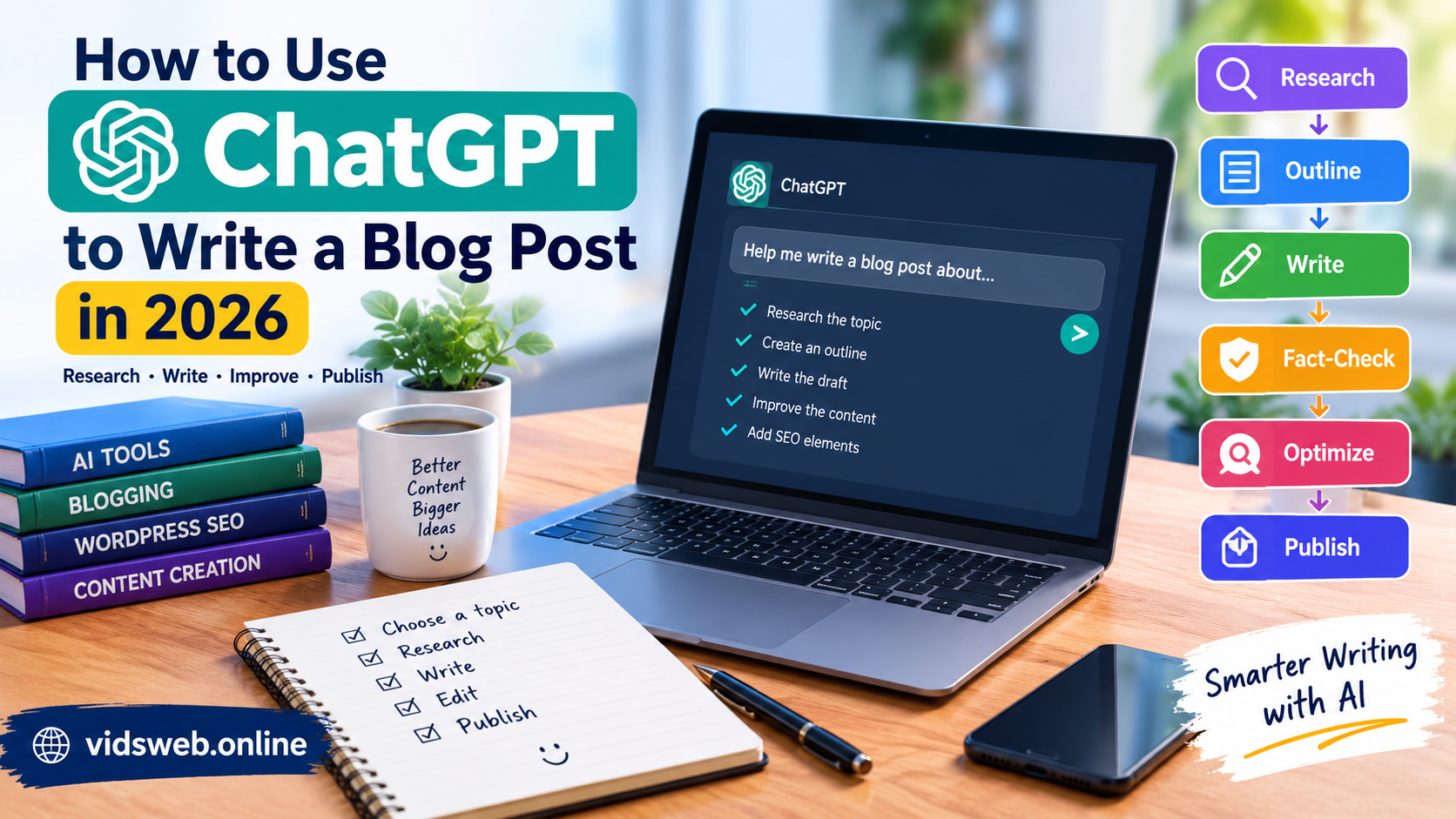
Artificial intelligence has made it easier for beginners to research topics, organize ideas, and write blog posts. However, creating a useful article involves more than asking an AI tool to generate a few paragraphs.
If you want to build a successful website, you need accurate information, a clear writing process, helpful examples, and content that answers readers’ questions. ChatGPT can assist with these tasks, but you should review its suggestions and add your own judgment before publishing.
In this guide, you will learn how to use ChatGPT to research and write a blog post, check important facts, improve readability, and prepare your content for search engines.
What Is ChatGPT and How Can Bloggers Use It?
ChatGPT is an AI assistant that can help with brainstorming, outlining, explaining concepts, editing text, and developing content ideas.
Bloggers can use it to:
- Discover useful article topics.
- Understand a subject before writing.
- Create a logical article outline.
- Improve grammar and readability.
- Generate examples and frequently asked questions.
- Prepare title ideas and meta descriptions.
- Review drafts for missing information.
AI should support your writing process rather than replace careful research and editorial judgment.
Step 1: Choose a Specific Blog Topic
Start with a topic that matches your website and helps a particular audience.
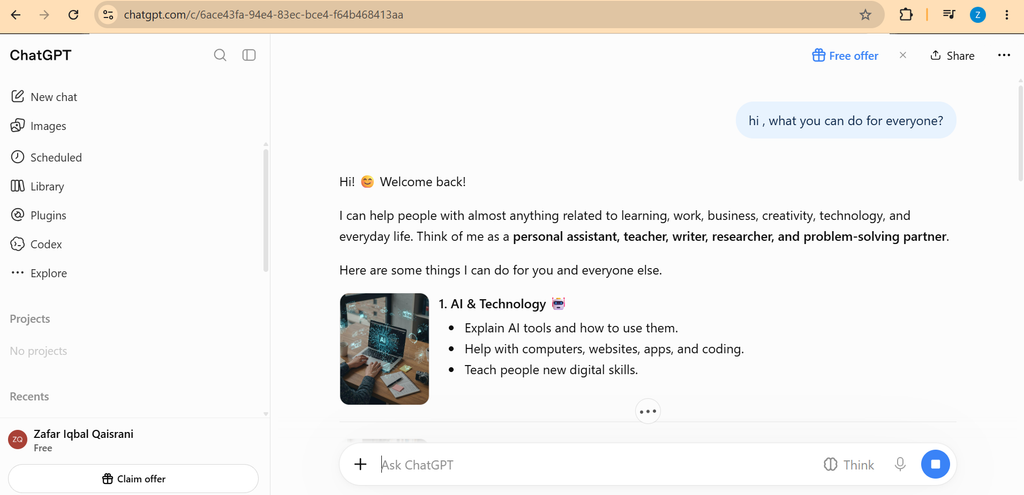
For example, instead of writing a broad article about artificial intelligence, choose a more focused subject such as:
- How to Use ChatGPT to Summarize Study Notes
- How to Create a Weekly Study Plan With AI
- How to Check AI-Generated Information Before Publishing
- How to Use AI to Organize Research for a Blog
Specific topics make it easier to identify what readers want to learn.
Before choosing a topic, search Google for the main question and examine the pages already ranking. Look for questions they have not answered clearly, practical examples they have missed, and opportunities to provide more useful guidance.
Step 2: Ask ChatGPT to Help With Research
Once you have selected a topic, ask ChatGPT to help you understand the subject and identify questions that need answers.
You can use this example prompt:
“Help me plan a beginner-friendly article about [your topic]. List the main questions readers may have, explain the important concepts, and suggest reliable sources where I can verify the information. Do not invent statistics, quotations, or references.”
Treat the response as a starting point, not as verified research.
For important facts, visit reliable sources directly. Official documentation, government websites, universities, and original research can be useful depending on the subject.
Check publication dates when information changes frequently, particularly for AI tools, software features, pricing, and product availability.
Step 3: Create a Clear Article Outline
A good outline prevents an article from becoming repetitive or difficult to follow.
Ask ChatGPT to organize the topic into a logical structure with an introduction, descriptive headings, practical steps, examples, and a conclusion.
For example, an article about using ChatGPT for study planning might include:
- What AI study planning means
- How to provide your subjects and available time
- How to create a realistic weekly schedule
- How to review and adjust the schedule
- Common mistakes to avoid
- Frequently asked questions
Make sure every section serves a clear purpose. Remove headings that repeat the same information or add little value.
Step 4: Write the Article in Sections
Rather than generating an entire long article in one request, work through the outline section by section.
Give ChatGPT clear instructions about your audience, tone, format, and the practical information you want to include.
For example:
“Write the first section for beginners using clear English. Explain the topic with a practical example, avoid unnecessary repetition, and do not make unsupported claims.”
Review each section before moving to the next one.
Add your own explanations, relevant examples, screenshots where useful, and lessons learned from actually testing a tool or process. Do not claim to have tested software unless you have genuinely done so.
Step 5: Check Facts and Correct Errors
AI-generated text can contain outdated information, incorrect explanations, or references that do not support the claims being made.
Before publishing, check the following:
- Are product names and features correct?
- Are prices and subscription details current?
- Do the cited sources actually support the statements?
- Are dates, statistics, and quotations accurate?
- Does the article clearly distinguish facts from suggestions?
- Are there any promises that cannot be supported?
Delete or correct any claim that you cannot verify.
For a tutorial about a particular AI tool, try the relevant steps yourself whenever possible. Your screenshots and observations can make the article more useful than a generic explanation.
Step 6: Edit the Draft for Human Readers
A technically correct article can still be difficult to read.
Use ChatGPT as an editing assistant to identify long sentences, confusing explanations, grammar problems, and repeated points.
You can try this prompt:
“Review this article for clarity, grammar, repetition, and unsupported claims. Suggest specific improvements without inventing facts or changing the intended meaning.”
Read the final version yourself. Make sure it sounds natural, explains the subject completely, and gives readers enough information to follow the instructions.
Avoid adding unnecessary paragraphs simply to make an article longer. The goal is to answer the reader’s question as clearly as possible.
Step 7: Prepare the Article for SEO
Search engine optimization helps search engines understand your page and helps readers decide whether it answers their question.
Before publishing, review these elements:
SEO title: Write a clear title that accurately describes the article.
URL slug: Use a short, readable URL that reflects the topic.
Meta description: Summarize the article’s main benefit in natural language.
Headings: Use a clear H1 for the article title and organize the content with relevant H2 and H3 headings.
Internal links: Link to related, useful articles on your website where appropriate.
Images: Use relevant images that you have permission to publish. Add descriptive alt text when an image conveys useful information.
Readability: Use short paragraphs, descriptive headings, and lists where they make instructions easier to follow.
If you use Yoast SEO on WordPress, it can help you check several on-page SEO elements. However, a green SEO indicator does not guarantee higher rankings.
Step 8: Review the Article Before Publishing
Use this checklist before making your post public.
- The article answers a real reader question.
- The information has been checked against reliable sources.
- The content includes useful examples or practical instructions.
- The introduction explains what readers will learn.
- The headings are clear and logically organized.
- The SEO title, URL, and meta description are relevant.
- The images are relevant and properly licensed.
- The links work and lead to useful pages.
- The article has been proofread.
- The post has been checked on mobile and desktop.
Once published, inspect the page to ensure that it displays correctly and that readers can navigate it easily.
Is AI-Generated Content Allowed by Google?
Google’s guidance focuses on the quality and usefulness of content rather than simply whether AI was involved in its creation. Using AI to help create content is not automatically a violation of Google’s policies.
However, producing large amounts of low-quality content primarily to manipulate search rankings can violate Google’s spam policies. Automatically generated articles that offer little originality, accuracy, or additional value can also create problems.
The safer approach is to use AI as a research and writing assistant, verify important information, and provide genuine value for readers.
Read Google’s official guidance:
- Creating Helpful, Reliable, People-First Content
- Google’s Guidance on Generative AI Content
- Google AdSense Program Policies
Can You Use ChatGPT to Write AdSense-Friendly Blog Posts?
ChatGPT can help you prepare an article, but using the tool does not automatically make a post suitable for Google AdSense.
Your website should offer original, useful content and a good visitor experience. You must also comply with the applicable publisher policies.
To improve your article’s quality:
- Provide detailed explanations instead of repeating general statements.
- Include practical examples that help readers apply the advice.
- Verify factual claims and keep changing information up to date.
- Avoid copying other websites or rewriting their articles without adding meaningful value.
- Make your website easy to navigate and distinguish advertising from editorial content.
AdSense approval depends on Google’s review of your website and its compliance with applicable requirements. No particular article or checklist can guarantee approval.
Frequently Asked Questions
1. Can beginners use ChatGPT for blogging?
Yes. Beginners can use ChatGPT to brainstorm topics, create outlines, improve grammar, and organize explanations. They should still review the output and verify important facts before publishing.
2. Does Google penalize every AI-written article?
No. AI involvement alone does not automatically mean a page violates Google’s policies. Content created primarily to manipulate rankings, especially at scale without meaningful value, can violate spam policies.
3. Should I publish ChatGPT’s response without editing it?
It is better to review and improve the draft. Check accuracy, remove repetition, add useful examples, and ensure that the finished article genuinely answers the reader’s question.
4. How can I make an AI-assisted article more useful?
Test the instructions where possible, include original observations, link to reliable sources, and explain details that readers may struggle with. Do not invent personal experiences or test results.
5. Is Yoast SEO enough to rank a blog post?
No. Yoast can help with on-page SEO, but rankings depend on many factors, including relevance, content quality, competition, and the overall search experience.
Conclusion
ChatGPT can make blogging more organized and efficient when you use it thoughtfully. It can help you plan a topic, structure an article, improve your writing, and identify questions readers need answered.
The most important work happens after the first draft: checking facts, adding useful examples, improving explanations, and ensuring that the article delivers what its title promises.
If you are building an AI tutorial website, focus on solving specific problems for readers instead of publishing large numbers of generic articles. Consistently useful content gives your audience a better reason to visit and return to your website.