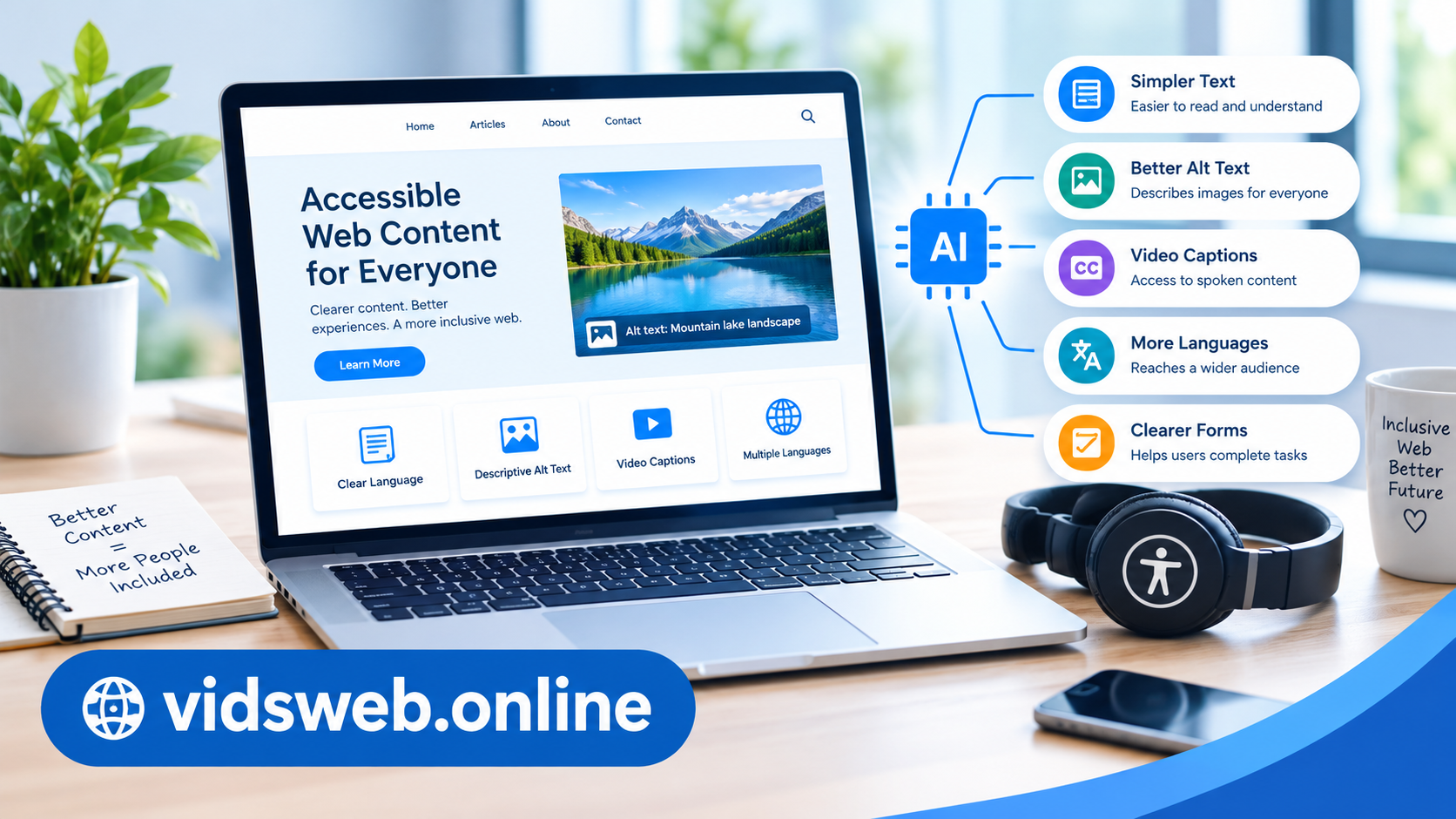
A website can contain useful information and still be difficult for some visitors to use. Long paragraphs, unclear instructions, missing image descriptions, and videos without captions can create barriers for people with different abilities.
Artificial intelligence (AI) can help website owners identify and reduce some of these barriers. For example, AI writing assistants can simplify complicated text, suggest alternative text for images, improve headings, and create draft video captions.
However, using AI does not automatically make a website accessible. Website owners still need to check the accuracy of AI-generated suggestions and test how their pages work in practice.
In this guide, you will learn how to use AI to make website content more accessible, with practical examples, reusable prompts, and a simple workflow for WordPress websites.
What Is Website Content Accessibility?
Website accessibility means making information and website features usable by people with different abilities. This includes visitors with visual, hearing, motor, and cognitive disabilities.
Consider a few everyday examples:
- A visitor who cannot see an image may rely on a screen reader to understand its purpose.
- Someone with a reading difficulty may find short sentences and familiar words easier to understand.
- A person who is deaf or hard of hearing may need captions to follow spoken information in a video.
- A visitor who cannot use a mouse may need to navigate a website with a keyboard.
The Web Content Accessibility Guidelines (WCAG) provide internationally recognized recommendations for accessible web content and functionality.
AI can support several content-related improvements, but technical accessibility also depends on website design, code, navigation, and testing.
1. Use AI to Make Website Text Easier to Understand
Complicated writing can prevent visitors from finding and understanding the information they need. This is particularly challenging when an article contains lengthy sentences, unexplained technical terms, or unnecessary jargon.
AI can help rewrite such content in plain language while preserving the original meaning.
For example:
Before: Users must authenticate their credentials before gaining authorization to access the platform.
After: Sign in to your account before using the platform.
The second version communicates the instruction more directly.
How to simplify content with AI
- Choose a paragraph that contains complicated wording.
- Paste it into an AI writing assistant.
- Ask the tool to identify difficult sentences and unfamiliar terms.
- Request a clearer version that preserves important details.
- Compare the revised version with the original before publishing.
Copy-and-use AI prompt:
“Review the following website content for readability and accessibility. Rewrite complicated sentences in clear, everyday English. Keep the original meaning, preserve important technical details, and avoid adding unsupported claims. Use short paragraphs and explain unfamiliar terms where necessary.”
AI should improve clarity without removing essential warnings, limitations, or instructions.
2. Generate Useful Image Alt Text
Alternative text, commonly called alt text, describes the purpose or relevant information of an image for visitors who cannot see it.
AI image tools can suggest alt text for photographs, illustrations, screenshots, and diagrams. This can save time when publishing articles with multiple images.
Imagine an article explaining how to use an AI writing tool. It includes a screenshot showing a generated introduction in a text editor.
A vague description would be:
“Computer screen.”
A more informative description would be:
“AI writing tool displaying a generated blog introduction in its text editor.”
The second description gives readers useful information about the screenshot.
How to create better alt text
- Describe the image’s relevant subject or function.
- Keep the wording concise and accurate.
- Consider the image’s purpose within the article.
- Do not insert keywords merely to influence search rankings.
- Avoid guessing details that are not visible.
- Leave purely decorative images with empty alt text when appropriate.
Copy-and-use AI prompt:
“Suggest concise alt text for this image in the context of my article. Describe its relevant subject or purpose accurately. Do not invent details, repeat the surrounding caption, or add unnecessary SEO keywords.”
Always check the suggestion against the actual image. AI can misunderstand screenshots, misidentify objects, or overlook information that matters to readers.
Adding alt text in WordPress
Open your post in the WordPress editor, select the relevant image block, and locate the alternative text field in the block settings. Enter the reviewed description and save your changes.
WordPress provides additional guidance in its accessibility documentation.
3. Improve Headings and Article Structure
A long article becomes harder to navigate when it contains large blocks of text without meaningful headings.
Clear headings help visitors scan a page, locate relevant information, and understand how different sections relate to one another. They also help people using screen readers navigate the document structure.
AI can review an article and recommend a more logical organization.
For example, an article about website accessibility could use these headings:
- What Is Website Accessibility?
- How AI Improves Content Readability
- Creating Better Image Descriptions
- Using AI for Video Captions
- Testing Accessibility Before Publishing
Each heading describes the information that follows.
Use AI to review headings
Copy-and-use AI prompt:
“Review the structure of this article. Suggest clear, descriptive H2 and H3 headings, identify sections that are too long, and group related information together. Preserve the existing facts and avoid adding headings that do not provide useful information.”
When applying these suggestions in WordPress, use actual heading blocks rather than simply enlarging or bolding text.
Use the page title as the main H1 heading and organize the content with a logical H2 and H3 hierarchy. Do not choose heading levels solely for their visual appearance.
4. Make Website Links More Descriptive
Links should explain where they lead or what action they perform.
For example, a link labelled “Click here” gives little information when read outside its surrounding sentence. A descriptive link helps visitors understand its destination before opening it.
Compare these examples:
Less descriptive: Read more.
More descriptive: Read our guide to using AI writing tools safely.
The second version provides clearer context.
AI can identify vague link text and recommend alternatives that fit naturally into the article.
Copy-and-use AI prompt:
“Review these website links for clarity and accessibility. Identify vague phrases such as ‘click here’ and suggest concise alternatives that describe the destination or action. Do not invent pages or change the existing URLs.”
Check that each revised link points to the correct destination. Descriptive links should help readers, not become unnecessarily long or overloaded with keywords.
5. Create More Accurate Video Captions and Transcripts
Videos often contain important spoken information that some visitors cannot access without a text alternative.
Captions can help people who are deaf or hard of hearing. Transcripts provide another way to access spoken information and can be useful for visitors who prefer reading.
AI transcription tools can create an initial transcript from recorded speech. Some tools can also generate timed captions.
For example, a website publishing tutorials about AI video generators can use AI to produce draft captions for its instructional videos.
A practical workflow
- Upload the video to a suitable transcription tool.
- Generate a draft transcript or caption file.
- Check product names, technical terms, numbers, and punctuation.
- Correct any transcription errors.
- Review caption timing and synchronization.
- Publish accurate captions and provide a transcript when useful.
Copy-and-use AI prompt:
“Review this video transcript for accuracy and readability. Correct punctuation and obvious transcription errors without changing the speaker’s meaning. Flag uncertain words, product names, and technical terms for manual review. Do not invent speech that cannot be verified.”
Automatically generated captions are not always accurate. AI may misunderstand accents, background speech, unfamiliar terminology, or names.
Also consider whether important visual information is explained in the audio. If a tutorial demonstrates an action without describing it, captions alone may not communicate everything a visitor needs to know.
6. Translate Content for More Readers
AI translation tools can help website owners make information available to visitors who speak different languages.
For example, an English tutorial could also be offered in Urdu for readers who prefer that language. This may make instructions easier to understand and help more people access useful information.
However, translation requires more than converting individual words.
How to use AI translation responsibly
- Choose a tool that supports the target language well.
- Check technical terminology and product names.
- Preserve the meaning of warnings and limitations.
- Review sentence structure and cultural context.
- Make sure the translated page uses the correct language settings.
- Check right-to-left layout when publishing Urdu content.
Copy-and-use AI prompt:
“Translate this article into natural Urdu for general readers. Preserve the original meaning, use familiar wording where appropriate, retain important technical details, and flag expressions that may require human review. Do not add new claims or remove warnings.”
For legal, medical, financial, or safety-related content, additional expert review may be necessary.
7. Improve Forms and Instructions
Contact forms, registration pages, and other interactive features can become confusing when their instructions or error messages are unclear.
AI can help rewrite these messages in a way that explains the problem and tells visitors what to do next.
For example:
Before: Invalid input.
After: Enter a valid email address, such as name@example.com.
The improved message identifies the problem and offers a useful example.
Copy-and-use AI prompt:
“Review these website form instructions and error messages. Make them clear, specific, polite, and easy to understand. Explain how visitors can correct an error without blaming them. Do not change the form’s actual requirements.”
Clear wording is only one part of accessible forms. Fields also need appropriate labels, keyboard operation, visible focus indicators, and error messages that assistive technologies can identify.
AI-generated text cannot confirm that these technical features work correctly.
8. Review Existing Website Articles with AI
Website owners who publish regularly may have many existing articles that need accessibility improvements.
Instead of rewriting every page, use AI to identify possible issues and create a prioritized review list.
For each article, ask AI to check for:
- Long sentences and unnecessarily complicated paragraphs.
- Headings that do not describe their sections clearly.
- Links with vague wording.
- Images that may need meaningful alt text.
- Missing captions or transcripts for relevant videos.
- Instructions that omit important steps.
- Technical terms that require explanation.
Copy-and-use AI prompt:
“Review this published website article for potential content accessibility problems. Return a table with three columns: issue, suggested improvement, and reason. Focus on readability, headings, links, image descriptions, and multimedia alternatives. Do not claim that you have tested the website’s code or confirmed WCAG compliance. Flag anything that requires manual testing.”
Start with important pages, such as your main guides, frequently visited articles, contact page, and key service pages.
After making changes, compare the revised article with the original and confirm that no essential information has been lost.
9. Useful AI and Accessibility Tools
You do not need an expensive subscription to start improving website content. A combination of writing assistants and accessibility testing tools may be sufficient for an initial review.
ChatGPT: Useful for simplifying paragraphs, reviewing headings, suggesting alt text, and improving instructions.
Google Gemini: Can assist with rewriting, document reviews, and image-related tasks, depending on available features.
Microsoft Copilot: Can help review and rewrite content within supported workflows.
AI transcription tools: Can generate draft transcripts and captions for recorded videos.
WAVE accessibility evaluation tool: Helps identify certain accessibility issues on web pages, including potential contrast and structural problems.
axe DevTools: Helps developers and website owners identify certain technical accessibility issues.
AI writing assistants and accessibility testing tools serve different purposes. A writing assistant can suggest better wording, while a testing tool can flag certain problems in a rendered web page. Neither alone guarantees that a website is fully accessible.
Features, pricing, and free usage limits may change, so check the current offerings before choosing a tool.
10. Test Your Improvements Before Publishing
After editing content, check whether the changes actually help visitors.
A useful review should include both content checks and basic usability testing.
Content review
- Is the page title descriptive?
- Are headings meaningful and logically organized?
- Is the language clear without losing essential information?
- Do links describe their destinations?
- Do important images have suitable alt text?
- Are video captions accurate where needed?
Basic usability review
- Can you navigate the website using only a keyboard?
- Is the current keyboard focus visible?
- Is text readable against its background?
- Can visitors enlarge text without losing essential content?
- Do forms have clear labels and useful error messages?
- Do menus and buttons work as expected?
Automated checkers can identify some issues, but manual testing remains important. Where possible, ask people who use assistive technology to provide feedback.
For detailed requirements and practical guidance, consult the official W3C Web Accessibility Initiative and its WCAG 2.2 guidance.
Do not claim that a page is WCAG-compliant simply because an AI assistant or automated checker found no problems.
Common Mistakes When Using AI for Accessibility
AI can save time, but using it without review can create new problems.
Publishing incorrect alt text: AI may misunderstand an image or overlook its purpose. Review each important description.
Simplifying text too aggressively: Clear writing should preserve necessary details, warnings, and qualifications.
Relying only on automated testing: Some problems require keyboard testing, assistive technology, or feedback from real users.
Using headings for appearance alone: Heading levels should represent the content’s structure, not just its visual size.
Publishing unverified translations: A translation can sound natural while changing the original meaning.
Expecting automatic SEO improvements: Accessible content can support usability and help search engines interpret certain content elements, but accessibility changes do not guarantee higher rankings or traffic.
The best approach is to use AI for suggestions and human judgment for verification.
Frequently Asked Questions
Can AI make a website fully accessible?
No. AI can help improve readability, image descriptions, captions, and other content elements. Full accessibility also involves website code, navigation, forms, visual design, and testing.
Which AI tool is best for website accessibility?
ChatGPT, Gemini, and other writing assistants can help improve content. WAVE and axe DevTools can help identify certain accessibility problems. The best choice depends on the tasks you need to complete.
Does accessible content improve SEO?
Accessible content can improve usability through clear headings, descriptive links, readable text, and meaningful image descriptions. Some of these practices also help search engines understand a page. However, accessibility does not guarantee higher rankings.
Can AI generate alt text automatically?
Yes. Some AI tools can suggest image descriptions, but the results need to be checked for accuracy, relevance, and context before publication.
Is website accessibility only for people with disabilities?
No. Clear instructions, readable paragraphs, descriptive links, and captions can benefit many visitors, including mobile users, older adults, and people unfamiliar with a subject.
Is AI-generated accessibility content always accurate?
No. AI can produce incorrect image descriptions, mistranscribe speech, or remove important context when simplifying text. Human review and practical testing remain essential.
Final Thoughts
AI offers practical ways to make website content easier to read, understand, and navigate. It can simplify difficult paragraphs, suggest image descriptions, improve headings, draft video captions, and clarify instructions.
The most effective approach is to start small. Choose one important page, identify genuine accessibility problems, use AI to suggest improvements, and check the results before publishing.
For WordPress website owners, this process can become part of the regular content workflow rather than a separate, time-consuming project.
Ultimately, the goal is not simply to use AI. It is to make useful information accessible to more people while keeping it accurate, clear, and easy to use.