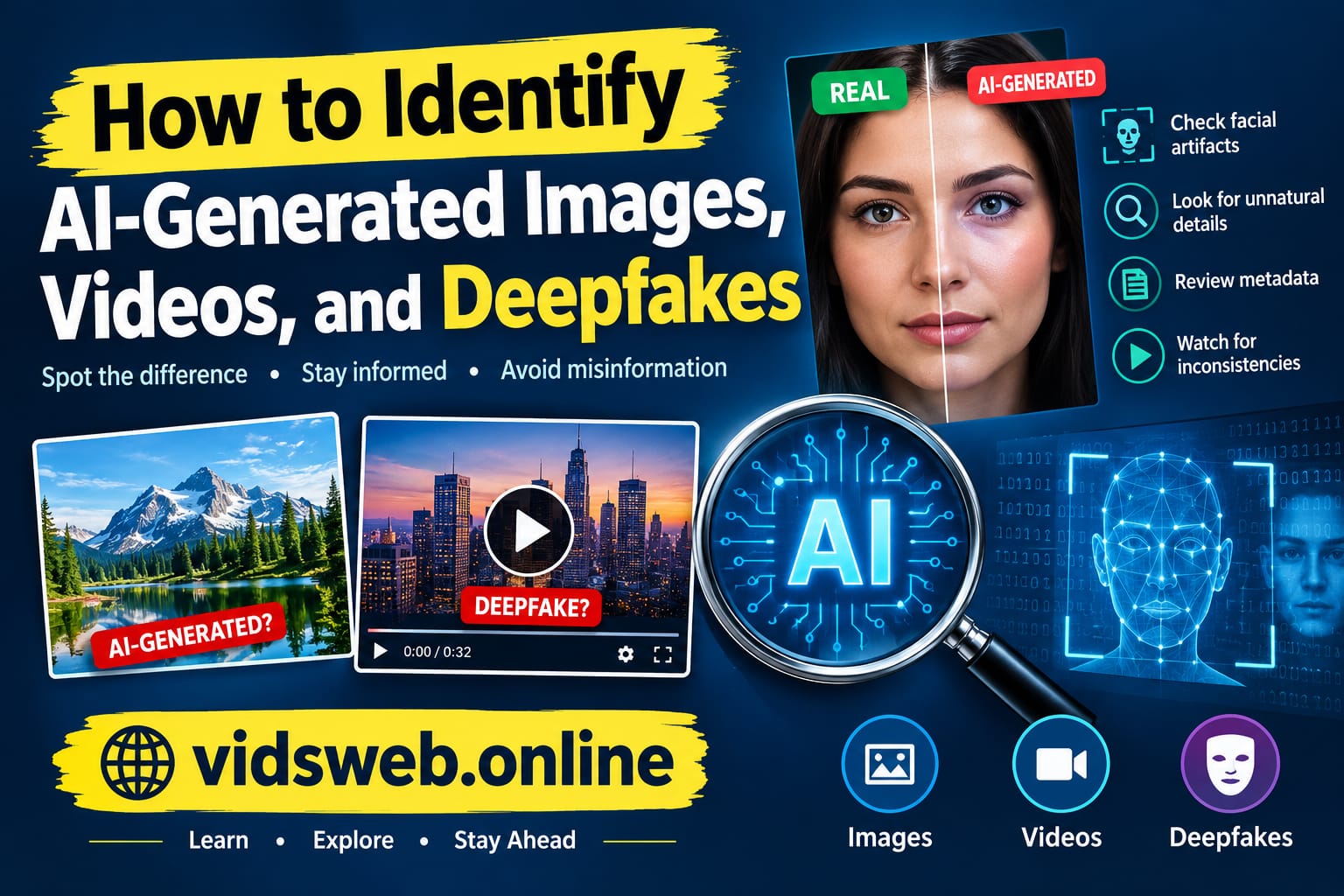
Artificial intelligence has made it easier than ever to create realistic images, videos, and human-like voices. A picture of a famous person, a video showing an unexpected event, or a recording of someone making a surprising statement may look completely genuine. However, some of this content can be generated or manipulated using artificial intelligence.
This creates a serious challenge for internet users. Fake images can spread misinformation, manipulated videos can damage reputations, and cloned voices can be used in online scams. Even genuine photographs and videos can become misleading when they are shared with false descriptions or taken out of context.
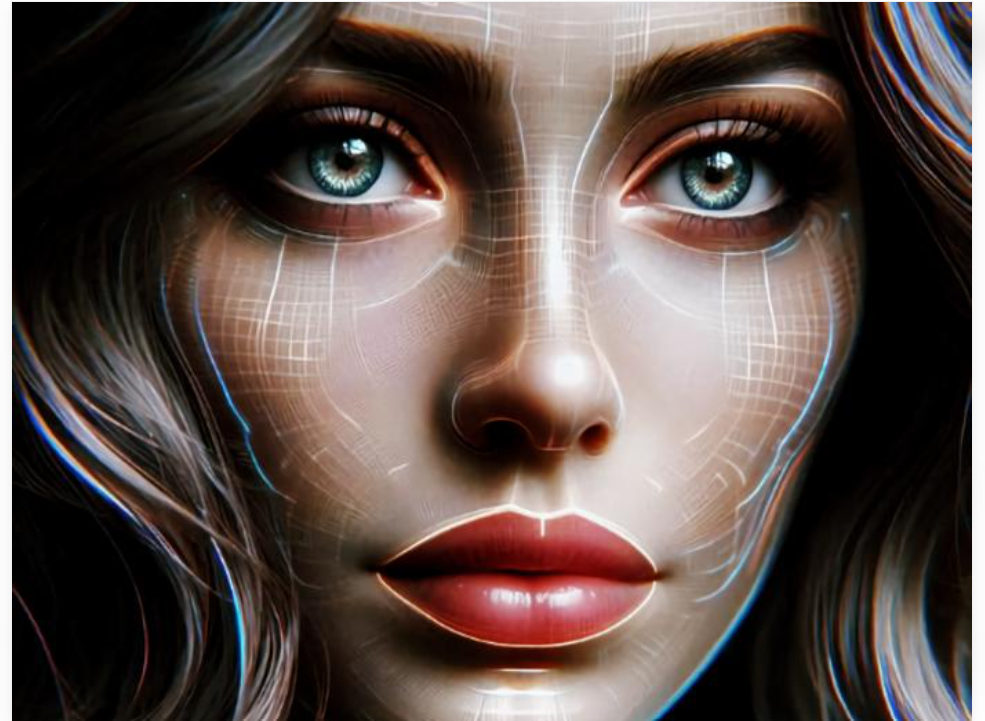
The good news is that you can take practical steps to investigate suspicious content without being a technology expert.
In this guide, you will learn how to identify AI-generated images, videos, and deepfakes, which online tools can help you verify digital media, and how to avoid common mistakes when checking suspicious content.
What Are AI-Generated Images, Videos, and Deepfakes?
Before checking whether digital content is genuine, it helps to understand the differences between these terms.
AI-Generated Images
AI-generated images are pictures created wholly or partly with artificial intelligence. Image generators can produce realistic portraits, landscapes, product photographs, illustrations, and scenes that never existed in the real world.
For example, someone could generate a photograph of a person standing beside a famous landmark without ever visiting that location.
Some generated images contain obvious visual mistakes, while others look very realistic. Therefore, an image should not be considered authentic simply because it looks like a real photograph.
AI-Generated Videos
AI-generated videos use artificial intelligence to create moving scenes, animate photographs, or modify existing footage. These videos can be used for education, entertainment, advertising, and social media content.
However, they can also be used to create misleading footage of events that never happened.
A suspicious video may contain inconsistent objects, unnatural movements, or unusual changes between frames. Modern AI systems can produce convincing results, so these clues are not always present.
Deepfakes
Deepfakes are synthetic or manipulated media that use AI techniques to imitate a person’s face, voice, or actions.
For example, a deepfake might make a business executive appear to approve a payment or make a public figure appear to deliver a speech they never gave.
Deepfakes are not always entirely artificial. Some use genuine footage and change only the person’s face, voice, or speech. This is one reason why verifying the original source is often more useful than relying on appearance alone.
1. How to Identify AI-Generated Images
The first step in checking a suspicious image is to examine its details carefully. AI image generators sometimes produce inconsistencies that can help you decide whether further investigation is necessary.
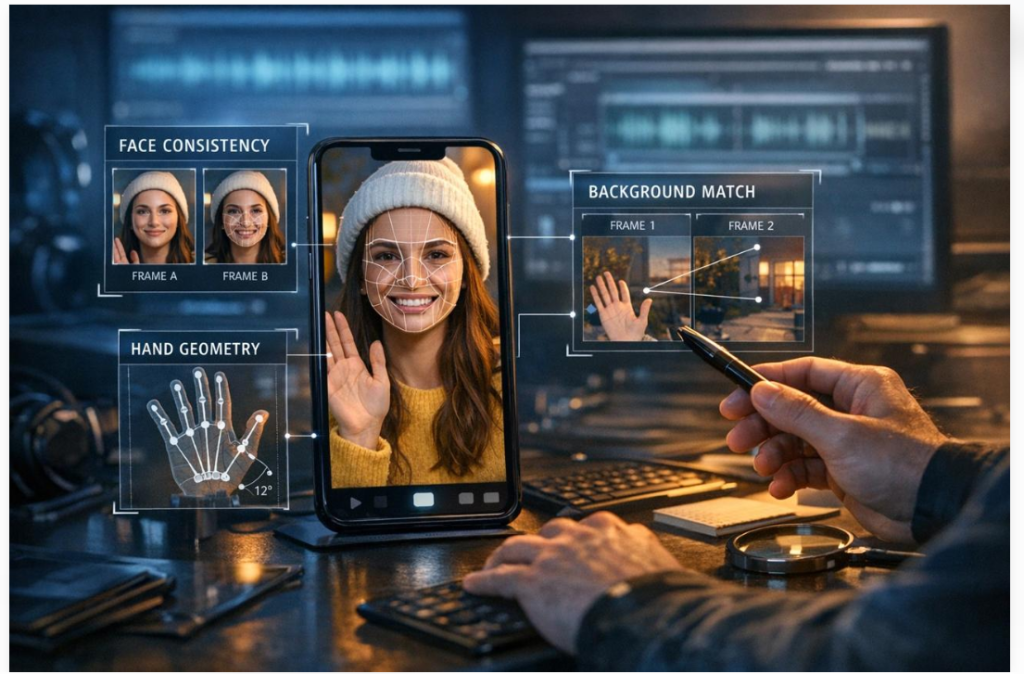
Check Hands, Fingers, and Facial Features
Hands and fingers have historically been difficult for some image generators to reproduce accurately. Look for unusual finger shapes, unnatural joints, or hands that appear to merge with nearby objects.
You can also inspect facial features, including the eyes, teeth, ears, and jewellery. In some generated images, these details may appear inconsistent or strangely shaped.
However, these problems are not exclusive to AI. Motion blur, low image quality, unusual camera angles, and editing can also create visual defects.
Examine Text and Background Objects
Look closely at signs, product labels, shop names, documents, and other text visible inside an image. Some AI-generated pictures contain letters that look convincing from a distance but become distorted when enlarged.
Background details can provide additional clues. Furniture may appear to merge into walls, building structures may look unusual, and repeated objects may have inconsistent shapes.
For example, an advertisement showing a product with unreadable packaging deserves closer inspection if the seller claims it is an untouched photograph of a real product.
Look at Lighting and Reflections
Lighting can reveal inconsistencies in an image. Check whether the shadows match the apparent light source and whether reflections in glasses, windows, or shiny objects appear plausible.
Also consider whether the person, surrounding objects, and background seem to belong to the same environment.
No single visual clue proves that an image is AI-generated. Instead, use several observations to decide whether you should investigate its source.
2. How to Identify AI-Generated Videos
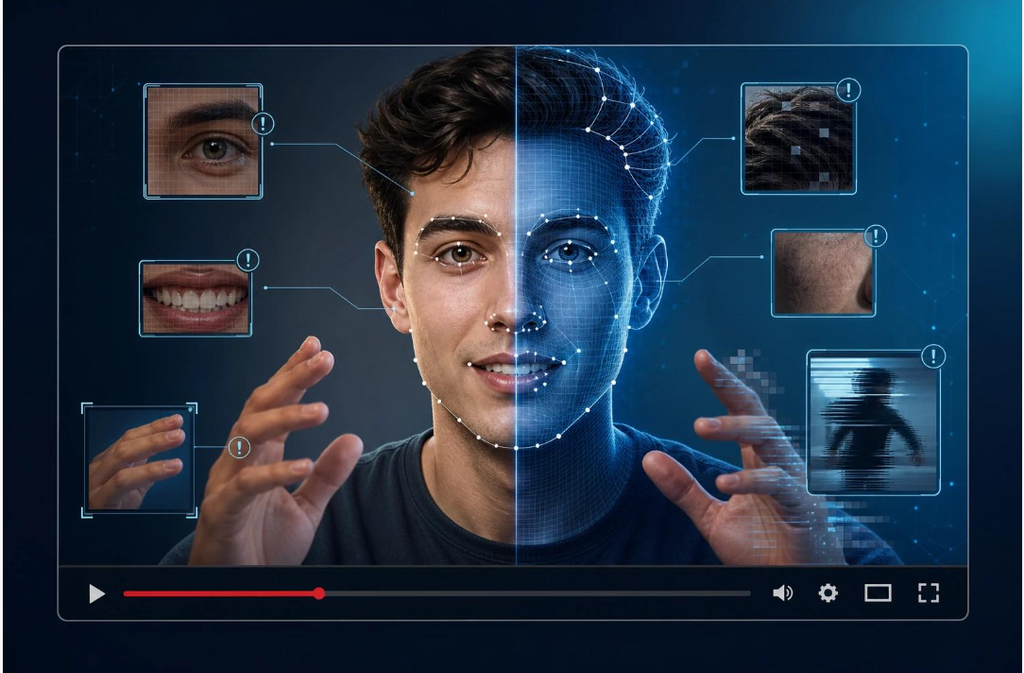
Videos require a slightly different approach because they contain movement, changing lighting, and sound.
Rather than watching only once, replay suspicious sections and pay attention to details that change from one frame to another.
Watch Facial Expressions and Lip Movements
When someone speaks in a video, their lips should generally correspond to the words being spoken. Look for repeated mismatches, unnatural mouth movements, or facial features that change unexpectedly.
Also examine how the face behaves when the person turns their head, smiles, or moves into different lighting.
These signs can indicate manipulation, but they can also result from poor editing, video compression, or audio delays.
Check Movement Between Frames
AI-generated videos may sometimes contain objects that change shape, clothing that suddenly looks different, or hands that appear inconsistent during movement.
Watch the interaction between people and objects. Does a person seem to hold a cup naturally? Does an object remain consistent when the camera moves? Do reflections and shadows behave plausibly?
A single strange frame is not enough to reach a conclusion. Look for repeated inconsistencies throughout the clip.
Listen to the Audio
Audio can reveal problems that are less obvious in the picture. Pay attention to sudden changes in voice quality, unnatural pauses, mismatched background sounds, or speech that does not seem to fit the speaker’s mouth movements.
Nevertheless, voice cloning technology can produce convincing speech. A familiar voice should not be treated as proof that a recording is genuine.
If a recording contains a serious claim, verify the statement through another reliable source.
3. Use Reverse Image Search to Investigate Suspicious Pictures

Reverse image search is one of the most practical ways to investigate a suspicious picture. Instead of searching with words alone, you upload an image or screenshot and look for matching or visually similar results.
Two useful options are Google Lens and TinEye.
Google Lens: https://lens.google.com/
Google Lens can help you find similar pictures, related webpages, and information about objects shown in an image.
TinEye: https://tineye.com/
TinEye specialises in reverse image search and can help you find matching or modified versions of pictures available online.
Step-by-Step Image Verification
- Save the suspicious image or take a screenshot of the relevant scene.
- Open Google Lens or TinEye.
- Upload the image or use the available image-search option.
- Examine the matching results and the websites where the image appears.
- Compare publication dates, descriptions, locations, and original sources.
- Check whether the picture was previously published in a different context.
Example: Imagine that a social media post claims a photograph shows a major flood that occurred today. A reverse image search reveals the same photograph on a website from several years ago, describing a different flood.
This discovery would provide a strong reason to question the post’s description.
However, reverse image search does not prove that an image is AI-generated. It helps investigate the image’s history and context, and the oldest search result is not necessarily the original source.
4. Best Tools to Check AI-Generated Images and Videos
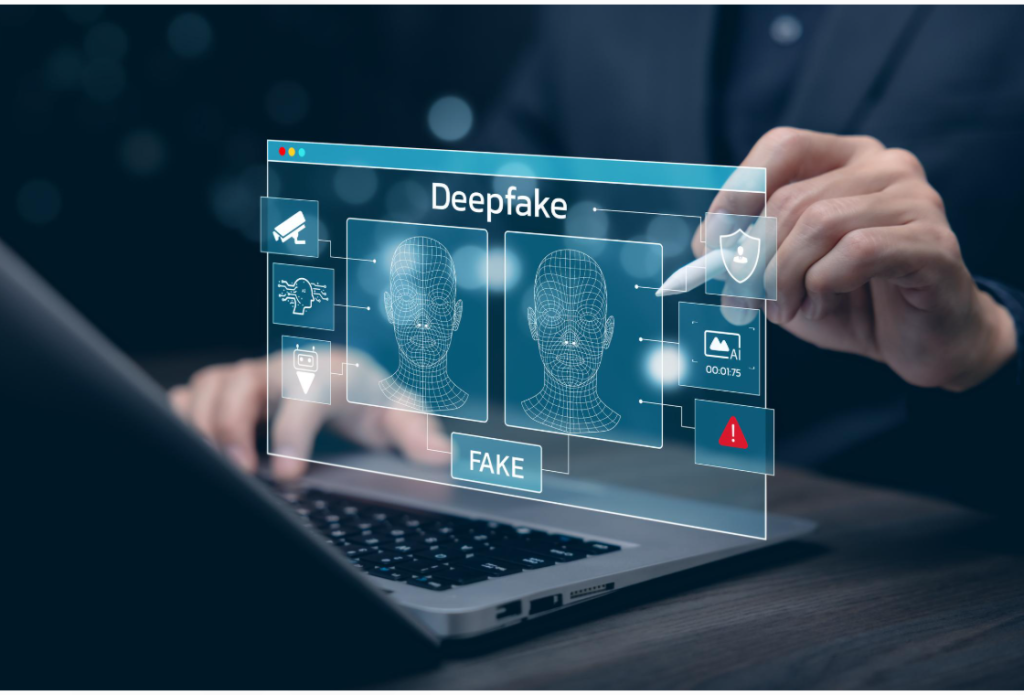
Several online tools can help you investigate digital media. Each serves a different purpose, so choosing the right tool depends on what you want to verify.
Google Lens
Google Lens is a useful starting point when you want to investigate a photograph or screenshot.
Use it to search for similar images, identify objects, and find webpages containing matching pictures. It is particularly helpful when you suspect an image has been reused with a misleading description.
Website: https://lens.google.com/
Hive AI Detection
Hive offers AI-generated content detection technology for supported images, videos, and audio. Its tools can help assess whether media may have been generated or manipulated using AI.
The results should be treated as supporting evidence rather than a final verdict. Detection performance can vary depending on the content and the technology used to create it.
Website: https://hivemoderation.com/ai-generated-content-detection
InVID-WeVerify
InVID-WeVerify provides media-verification tools designed to help users investigate online images and videos. Its features can support tasks such as examining video keyframes, searching for related images, and checking the context of online media.
It can be especially useful when a suspicious video contains several scenes that need to be examined individually.
Website: https://weverify.eu/verification-plugin/
Content Credentials
Content Credentials can provide information about a digital file’s origin and editing history when supported provenance information is available.
Depending on the file and the tools used, the information may indicate whether AI was involved in creating or modifying the content.
You can learn more about the technology here:
https://contentcredentials.org
Content Credentials do not automatically prove that the events depicted in a picture are real. They provide information about a file’s history, which should be considered alongside other evidence.
5. How to Check Whether a Video Is Genuine
When a suspicious video spreads online, finding the original source is often more useful than trying to guess whether it looks artificial.
Follow these steps before believing or sharing a questionable clip.
Step 1: Find the original upload.
Look for the earliest available version of the video. Check whether it was published by the person involved, an official organisation, or a reliable news source.
Step 2: Examine individual frames.
Take screenshots of important moments and use reverse image search to investigate whether the same scenes appeared elsewhere.
Step 3: Check the date and location.
Look for visible landmarks, signs, weather conditions, and other contextual details. Compare them with the location and date claimed by the publisher.
Step 4: Search for the full recording.
A short clip may omit important information. Find the complete speech, interview, or event whenever possible.
Step 5: Compare independent sources.
Search for reliable reporting or statements from relevant organisations. Several accounts repeating the same unverified post do not necessarily provide independent confirmation.
Step 6: Use detection tools if needed.
If the footage still seems suspicious, use an appropriate detection or verification tool. Consider its result alongside the source, context, and other available evidence.
These steps can help you investigate a video without assuming it is genuine or fake based on appearance alone.
6. How to Recognise AI Voice Cloning Scams
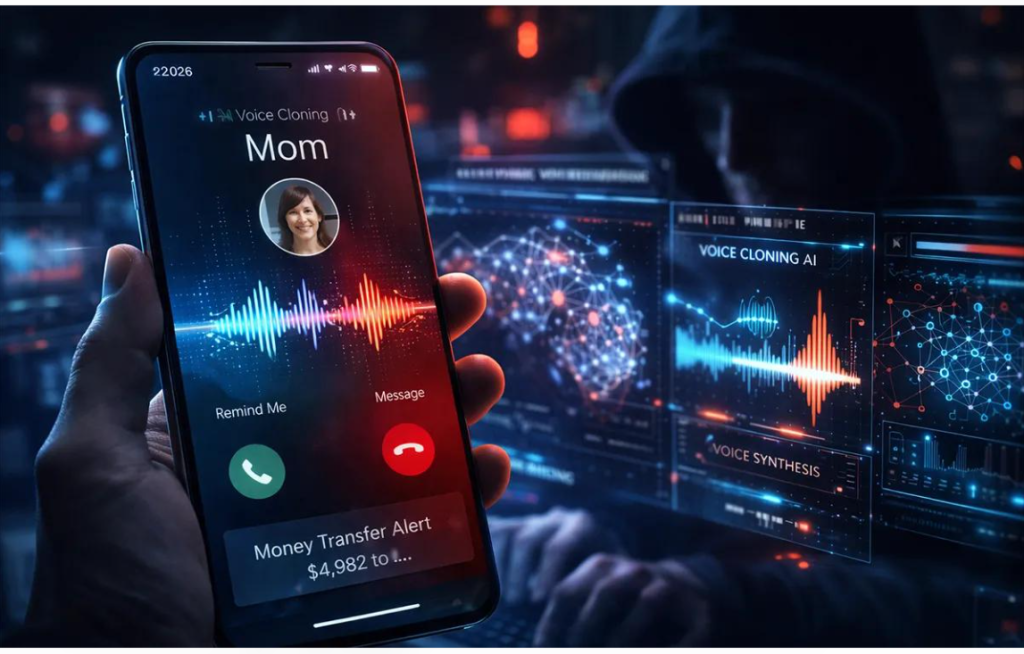
AI voice cloning can imitate a family member, friend, colleague, or business executive. Scammers may use these recordings to create panic and pressure people into sending money or revealing confidential information.
Imagine receiving a voice message that sounds like a relative asking for urgent financial help. The caller claims there is an emergency and insists that you must send money immediately.
The voice may sound familiar, but that does not guarantee the request is genuine.
Watch for warning signs such as:
- Requests for urgent payments or bank transfers.
- Pressure to keep the conversation secret.
- Requests for passwords, verification codes, or financial information.
- Unusual payment instructions or unfamiliar bank accounts.
- Attempts to prevent you from contacting the person directly.
How to Protect Yourself
Contact the person through a separate communication channel, such as a phone number you already know. Do not rely on contact details provided in the suspicious message.
For business payments, follow the normal approval process and confirm requests directly with the relevant person.
Families can also agree on a simple verification question or another safe method of confirming emergencies.
The most important rule is simple: verify the request independently before sending money or sharing sensitive information.
7. Check Metadata and Content Credentials
Metadata is technical information stored in some digital files. Depending on the file, it may include a camera model, creation date, editing software, or other details.
This information can sometimes help establish where an image came from. However, metadata can be removed, changed, or lost when a file is edited or uploaded to social media.
Missing metadata does not mean an image is fake.
Content Credentials provide another way to examine the history of supported digital content. They can contain verifiable information about the creator, the tools used, and certain editing steps.
If a file includes valid Content Credentials indicating that generative AI was used, that information can help establish how the file was created or modified.
However, there are important limitations:
- Not every image or video contains Content Credentials.
- Some platforms remove or alter file metadata.
- A screenshot may not retain the original file’s provenance information.
- Provenance information does not prove that every claim about the depicted event is true.
For example, an AI-generated image may have valid information showing which tool created it. That information helps explain the image’s origin, but it does not turn the fictional scene into a real event.
8. Common Mistakes to Avoid When Detecting Deepfakes
Even careful internet users can make mistakes when evaluating digital content.
Mistake 1: Trusting an Image Because It Looks Real
Modern image generators can produce convincing faces, realistic lighting, and detailed backgrounds. A realistic appearance is not proof of authenticity.
Mistake 2: Assuming Every Strange Image Is Fake
Genuine photographs can contain unusual reflections, distorted movement, or blurry details. Avoid labelling content as AI-generated without stronger evidence.
Mistake 3: Believing Every AI Detector
Automated detection tools can produce incorrect results. Use more than one type of evidence whenever the consequences of a mistaken conclusion are serious.
Mistake 4: Ignoring the Original Context
A genuine photograph can still be used to spread misinformation if it is paired with an incorrect date, location, or description.
Mistake 5: Sharing Before Verifying
Sharing a suspicious image or video can spread false information and harm innocent people. Check important claims before forwarding them to friends, family, or social media groups.
Mistake 6: Uploading Private Content to Unknown Websites
Some detection services may process uploaded files on external servers. Before uploading private photographs, confidential business videos, identity documents, or sensitive recordings, review the service’s privacy policy and data-handling practices.
For sensitive material, prefer verification methods that do not require uploading the original file to an unfamiliar service.
9. A Practical Checklist for Verifying Suspicious Media
Before sharing a questionable image, video, or recording, ask yourself these questions:
- Does the image contain unusual details that require further investigation?
- Do the video’s movements and audio appear consistent?
- Can I find the original source or an earlier version?
- Does the date and location match the claim?
- Have reliable, independent sources confirmed the important details?
- Have I checked available metadata or Content Credentials?
- If I used an AI detector, have I considered the possibility of an incorrect result?
- If the content asks for money or private information, have I verified the request independently?
You do not need to complete every step for every ordinary picture. However, claims involving public safety, financial decisions, serious accusations, or breaking news deserve extra care.
Can AI-Generated Images and Deepfakes Always Be Detected?
No. There is currently no single detection method that can reliably identify every AI-generated image, video, or deepfake.
Some synthetic media contain obvious errors, while other examples are difficult to distinguish from genuine recordings. Editing, compression, and changes in generation technology can also affect the performance of detection tools.
Human inspection is useful, but it is not enough in every situation. Automated detectors can provide additional evidence, while reverse image search, provenance information, and independent reporting can help establish context.
The strongest approach is to combine several methods rather than depending on one visual clue or one detection score.
Sometimes the available evidence will not support a definite conclusion. In that situation, it is better to acknowledge uncertainty than to label a person or a piece of content as fake without sufficient evidence.
Frequently Asked Questions (FAQs)
1. How can I tell if an image is AI-generated?
Look for possible inconsistencies in hands, facial details, text, reflections, lighting, and background objects. Then investigate the image using reverse image search and, where appropriate, an AI detection tool. No single visual clue can reliably prove that an image was generated by AI.
2. What is the best tool for checking AI-generated images?
Google Lens is a useful starting point for finding similar images and investigating their context. Hive offers AI-content detection tools for supported media. These tools serve different purposes, and neither should be treated as infallible.
3. Can AI-generated videos look completely real?
Yes. Some AI-generated videos can look highly realistic, making visual inspection alone unreliable. Checking the original source, surrounding context, audio, and independent evidence can provide a stronger basis for evaluating a video.
4. Are all deepfakes dangerous?
No. Deepfakes and synthetic media can be used for entertainment, creative projects, education, and other legitimate purposes. The main concern is deceptive or harmful use, particularly impersonation, fraud, harassment, and misinformation.
5. Can reverse image search detect AI-generated pictures?
Reverse image search is not a dedicated AI detector. It can help locate matching pictures, earlier publications, and related webpages, which may reveal that an image has been reused or presented out of context.
6. What should I do if I receive a suspicious video or voice message?
Avoid forwarding it immediately. Check the original source, investigate important claims, and contact the person or organisation through a trusted channel if necessary. Never send money or reveal confidential information solely because a message sounds or looks convincing.
Conclusion
Learning how to identify AI-generated images, videos, and deepfakes is an increasingly important digital skill. Artificial intelligence can create convincing visual content and imitate human voices, but careful verification can help you avoid many common forms of misinformation and online fraud.
Start by examining suspicious details, checking the original source, using reverse image search, and comparing claims with reliable evidence. Detection tools and Content Credentials can provide additional clues, but their limitations should always be considered.
Most importantly, do not judge authenticity by appearance alone. Verify serious claims and financial requests through independent channels, and avoid sharing content when its accuracy remains uncertain.
Think before you trust, verify before you share, and use evidence rather than appearance to judge digital content.
For more practical tutorials on artificial intelligence, online tools, and digital technology, explore other guides on vidsweb.online.