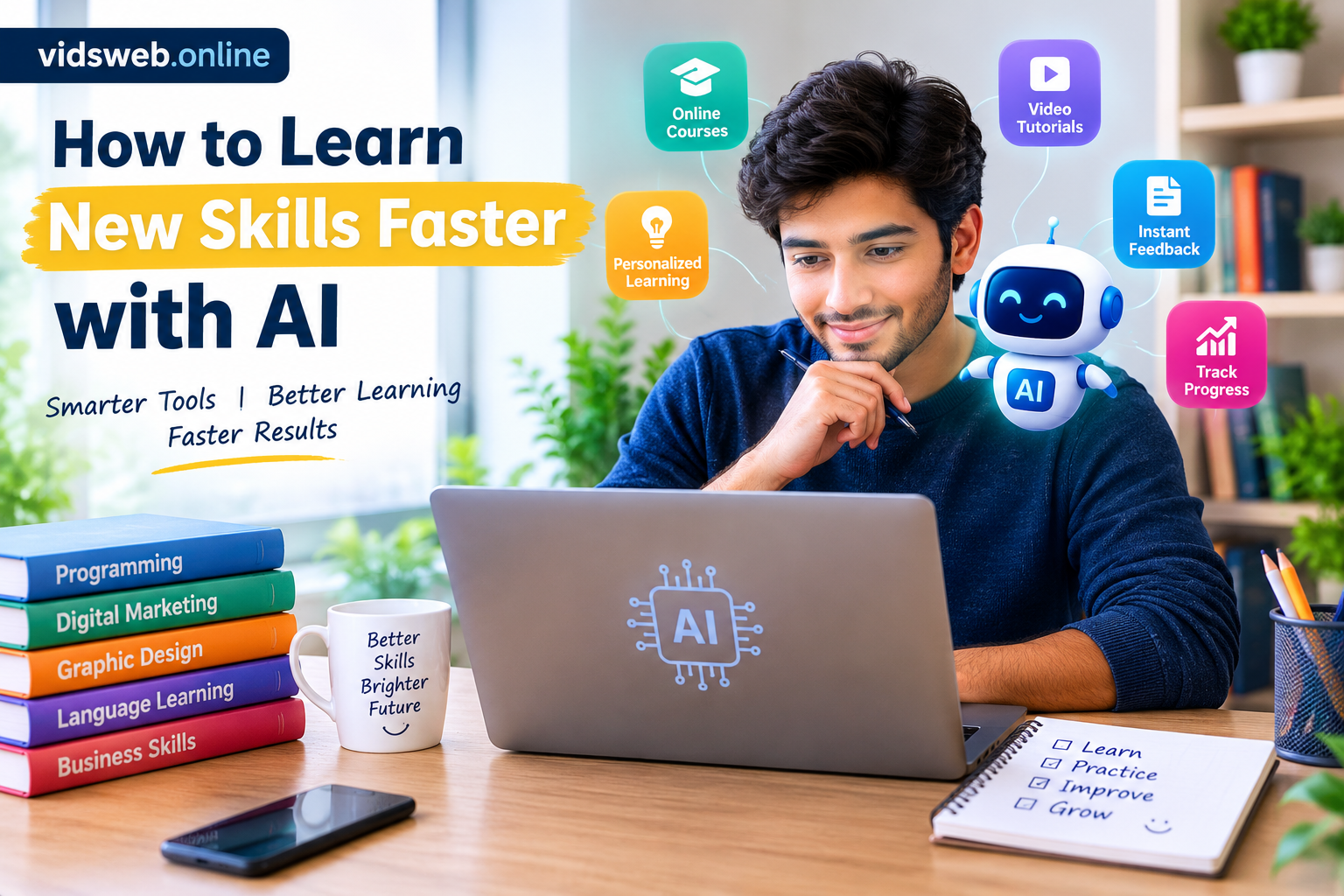
Learning a new skill takes time, practice, and patience. Whether you want to improve your English, learn graphic design, understand programming, or develop digital marketing skills, getting started can sometimes feel confusing. There are so many tutorials, courses, and online resources that choosing the right learning path is not always easy.
Artificial intelligence (AI) can make this process more manageable. AI tools can explain difficult concepts, create practice exercises, help you organize your study schedule, and provide feedback on your work. Instead of spending too much time searching for answers, you can use AI to focus on the areas where you need the most help.
However, learning faster does not mean skipping practice or allowing AI to do everything for you. The goal is to understand new information, apply it independently, and improve through regular feedback.
In this article, you will learn how to use AI to learn new skills faster, which tools can help, and how to build a realistic learning routine.
How Does AI Help You Learn New Skills?
Traditional learning often involves reading books, watching tutorials, taking notes, and practicing independently. AI can support these activities by adapting explanations and exercises to your needs.
For example, imagine that you are learning Microsoft Excel. You understand basic spreadsheets but struggle with formulas. Instead of watching an entire course again, you can ask an AI assistant to explain a specific formula, show an example, and create a practice exercise.
AI can help with several parts of the learning process:
- Personalized explanations: Understand difficult topics through simpler language and examples.
- Learning plans: Divide a large goal into smaller, manageable tasks.
- Practice activities: Generate exercises based on your current skill level.
- Feedback: Identify possible mistakes in your work and suggest improvements.
- Revision: Create quizzes and flashcards to help you review important concepts.
These features can make learning more organized and interactive. However, AI responses are not always correct, so important information should be checked against reliable sources.
1. Set a Clear Learning Goal
Before choosing an AI tool, decide what you want to achieve. A goal such as “I want to learn technology” is too broad to guide your daily practice.
Choose an outcome that you can work toward and eventually demonstrate.
For example:
- Learn to create a simple social media design.
- Build a basic website using HTML and CSS.
- Write a professional email in English.
- Create a spreadsheet that tracks monthly expenses.
- Edit a short video for social media.
A specific goal helps you avoid wasting time on unrelated information.
You can ask an AI assistant to turn your goal into a learning plan.
Example prompt:
“Help me learn basic graphic design. I am a complete beginner and can study for 30 minutes a day. Create a four-week plan with weekly goals, daily practice activities, free learning resources where available, and a small project I can complete at the end.”
Review the plan before following it. If the schedule is too difficult, ask AI to simplify it. Your plan should fit your available time and give you enough opportunity to practice.
2. Ask AI to Explain Difficult Topics
Sometimes a subject feels difficult because the explanation is too technical, not because you cannot learn it.
AI can explain a concept in simpler language, provide an everyday example, or break a complicated process into smaller steps.
Suppose you are learning programming and do not understand what a variable is. You can ask AI to explain the concept using a real-life comparison, followed by a short code example.
If you are studying digital marketing, you might ask it to explain the difference between impressions, clicks, and conversions.
Try this prompt:
“Explain [topic] in simple English for someone who is new to the subject. Give me one everyday example, explain the main idea step by step, and finish with three questions to test my understanding.”
You can also ask follow-up questions whenever something remains unclear.
The important step is to check your understanding after reading the explanation. Close the answer and describe the concept in your own words. If you cannot explain it clearly, revisit the parts that still confuse you.
3. Create a Learning Plan That Fits Your Schedule
A structured plan gives you a clear direction and helps you decide what to study next.
Rather than trying to learn everything at once, divide your chosen skill into stages. Start with the fundamentals, practice essential techniques, and then work toward a small project.
For example, a beginner learning Excel could follow this four-week plan:
Week 1: Learn the basics
Understand the spreadsheet interface, enter data, format cells, and organize information into tables.
Week 2: Practice essential formulas
Learn SUM, AVERAGE, COUNT, and basic calculations. Use small examples to understand how each formula works.
Week 3: Work with real data
Create a sample monthly budget or sales spreadsheet. Calculate totals and compare results.
Week 4: Complete a project
Build a spreadsheet that tracks expenses, summarizes spending, and displays the main results.
AI can help you adjust the plan when a topic takes longer than expected. You do not need to move forward simply because a particular day has passed. Make sure you understand the basics before taking on more difficult tasks.
4. Practice More and Copy Less
One common learning mistake is spending too much time watching tutorials without applying what you learn.
Reading an explanation may help you recognize a concept, but completing a task independently shows whether you can actually use it.
AI can generate exercises that give you opportunities to apply new knowledge.
For example, if you are learning English, ask for a short conversation and respond to each question yourself. If you are learning Excel, request a sample dataset and calculate the totals. If you are learning writing, draft a paragraph and ask for feedback.
Use this prompt:
“Give me a beginner-level exercise on [skill]. Do not show me the solution immediately. Let me attempt it first. After I submit my answer, explain any mistakes and give me another exercise that helps me improve.”
This approach makes learning more active.
When you get an answer wrong, try to understand why. Ask AI to explain the mistake rather than simply providing the correct answer. Then attempt a similar problem without assistance.
Over time, gradually reduce your dependence on AI so you can perform tasks on your own.
5. Use AI Feedback to Improve Your Work
Feedback helps you recognize mistakes and identify areas that need more practice.
Depending on the task and the tool’s capabilities, AI can review writing, explain programming errors, suggest improvements to a presentation, or help you evaluate a completed exercise.
Imagine that you are learning to write professional emails. You draft an email, but you are unsure whether the wording is clear and polite.
You can ask AI to identify unclear sentences, explain grammar mistakes, and suggest improvements while preserving your original meaning.
Try this prompt:
“Review my work as a supportive instructor. Identify the three most important areas for improvement. Explain why each one matters and show me how I can correct the mistakes myself. Do not rewrite the entire task unless necessary.”
Do not assume every suggestion is correct. AI may misunderstand your intention or recommend changes that make your work less effective. Use your judgment and consult trusted resources or an experienced instructor when appropriate.
6. Use Quizzes to Remember What You Learn
Understanding a concept during a lesson does not guarantee that you will remember it later. Reviewing information and testing yourself can help you identify what you know and what needs more attention.
AI can generate short quizzes, practice questions, and flashcards based on a topic you are studying.
For example, after learning five Excel formulas, ask AI to create ten questions that require you to choose the appropriate formula. Answer the questions without looking at your notes, then review the explanations.
You can use this prompt:
“Create ten questions about [topic] for a beginner. Ask one question at a time and wait for my answer. Explain any mistakes before moving to the next question. At the end, tell me which concepts I should review.”
Repeat difficult questions after a day or two, then revisit them later in the week.
This gives you a practical way to identify gaps in your understanding instead of repeatedly reading the same material without checking your progress.
7. Choose AI Tools Based on Your Learning Needs
You do not need a large collection of AI applications to learn effectively. Start with one suitable tool and add others only when they provide a clear benefit.
Here are some options to consider.
ChatGPT
ChatGPT can help explain concepts, create learning plans, generate practice questions, and provide feedback on suitable work.
Website: https://chatgpt.com/
Google Gemini
Gemini can help with explanations, brainstorming, study planning, and follow-up questions about topics you are learning.
Website: https://gemini.google.com/
NotebookLM
NotebookLM can help you study supported documents and other sources you provide. It can be useful when you want to explore information from particular learning materials.
Website: https://notebooklm.google.com/
Quizlet
Quizlet provides study activities and flashcards that can support vocabulary learning, revision, and self-testing.
Website: https://quizlet.com/
The available features, usage limits, and prices may change. Some services provide free access with restrictions, while others charge for selected features.
Choose a tool based on the task you need to complete. For example, a general AI assistant may be enough for explanations and practice questions, while a flashcard tool may be more convenient for reviewing vocabulary.
Remember that an AI tool is only part of your learning process. Reliable courses, official documentation, books, and practical projects remain valuable sources of knowledge.
8. Follow a Simple Daily Learning Routine
You do not necessarily need several hours a day to develop a new skill. If your schedule is busy, start with a manageable routine and increase the time when necessary.
Here is an example of a 30-minute session:
- 5 minutes — Review: Recall what you learned during your previous session.
- 10 minutes — Learn: Study one new concept using a reliable resource or AI explanation.
- 10 minutes — Practice: Complete an exercise without copying the solution.
- 5 minutes — Reflect: Write down what you learned and what you need to improve.
At the end of the week, complete a small task that uses the techniques you have practiced.
For example, create a simple design, prepare a spreadsheet, write a short program, or complete a short conversation in your target language.
This routine is a starting point rather than a strict rule. Some skills require longer practice sessions, while others can be developed through short, frequent exercises.
9. Track Your Progress Through Real Projects
Completing lessons is useful, but being able to apply your knowledge is a stronger sign of progress.
Set a realistic weekly target and keep examples of your work. This allows you to compare your early attempts with later results.
If you are learning graphic design, save your first design and compare it with a version created after two weeks of practice. If you are learning Excel, record which formulas you can use independently. If you are learning English, notice whether you can express your ideas more clearly in conversation.
You can also ask AI to help you review your progress.
Example prompt:
“Here are the exercises I completed this week and the difficulties I experienced. Identify my main strengths, suggest two areas to improve, and recommend one practical task for next week.”
Treat the response as guidance rather than a final assessment. Your completed work, practical results, and feedback from knowledgeable people are important indicators of improvement.
10. Avoid Common Mistakes When Learning with AI
AI can make learning easier to organize, but poor habits can reduce its benefits.
Copying answers without understanding them
Ask for explanations, attempt the task yourself, and check whether you can repeat the process without assistance.
Believing every AI response
AI can generate incorrect, incomplete, or outdated information. Verify important claims using reliable sources.
Trying to learn too many skills at once
Choose one main goal and give yourself enough time to build a useful foundation before moving to another subject.
Changing your learning plan too often
Give your routine enough time to produce meaningful progress. Adjust it when necessary, but do not abandon a reasonable plan whenever you encounter a difficult topic.
Relying only on AI-generated lessons
Combine AI assistance with reputable educational resources, hands-on projects, and feedback from experienced people where possible.
Sharing sensitive information
Avoid entering passwords, confidential business records, identification documents, or other sensitive information into AI tools. Review the privacy policies and settings of the services you use.
The purpose of AI is to support your learning, not to replace your judgment or independent skills.
A Seven-Day Example: Learning Basic Video Editing
Suppose you want to learn basic video editing for social media but have no previous experience. You could use AI to organize your first week of practice.
Day 1: Choose a video editor and learn how to navigate its interface.
Day 2: Practice importing video clips and arranging them on a timeline.
Day 3: Learn to trim clips and remove unnecessary sections.
Day 4: Add text, captions, and simple transitions.
Day 5: Practice adjusting audio and balancing background music.
Day 6: Create a short video using the techniques you have learned.
Day 7: Review your video, identify problems, and make improvements.
Throughout the week, AI can explain unfamiliar editing terms, suggest practice tasks, and help troubleshoot problems when you provide enough detail.
A week may be enough to understand some basic functions, but it is unlikely to make every learner proficient. The time needed depends on your experience, the complexity of the software, and how much you practice.
The same approach can be adapted to programming, writing, digital marketing, language learning, and many other skills.
Frequently Asked Questions
Can AI help me learn new skills faster?
AI can help organize lessons, explain difficult concepts, create practice exercises, and provide feedback. The amount of progress you make depends on the skill, the quality of your learning resources, and how consistently you practice.
Which AI tool is best for learning new skills?
There is no single best tool for every subject. ChatGPT and Google Gemini can help with explanations and exercises, while NotebookLM can support learning from supplied materials. Choose the option that fits your learning goal and budget.
Can I learn new skills with AI for free?
Yes. Many skills can be learned using free educational resources and AI tools that offer free access. Some services have usage limits or paid features, so check their current terms before relying on them.
How much time should I spend learning each day?
Start with 20 to 30 minutes a day if that fits your schedule. Focus on consistent practice and understanding rather than setting an unrealistic target. More complex skills may require longer sessions.
Can AI replace a teacher?
AI can provide explanations and practice support, but it cannot reliably replace every benefit of a qualified teacher or experienced mentor. Human feedback can be particularly valuable for complex subjects and practical skills.
How can I check whether AI is giving me correct information?
Compare important claims with reputable sources, official documentation, and established learning materials. Test your understanding through exercises and practical projects instead of relying only on AI-generated answers.
Final Thoughts
Learning a new skill becomes more manageable when you have a clear goal, a realistic plan, and regular opportunities to practice. AI can support each of these steps by explaining difficult topics, creating exercises, providing feedback, and helping you identify what to learn next.
Start with one skill and choose a small outcome you can work toward. Use AI to support your learning, but make time to complete tasks independently and check the accuracy of important information.
You do not need to master everything in a few days. Focus on steady improvement, learn from your mistakes, and apply your knowledge to real tasks. With consistent effort, AI can become a useful learning companion for your personal and professional development.
Published by vidsweb.online — practical guides to AI tools and technology.