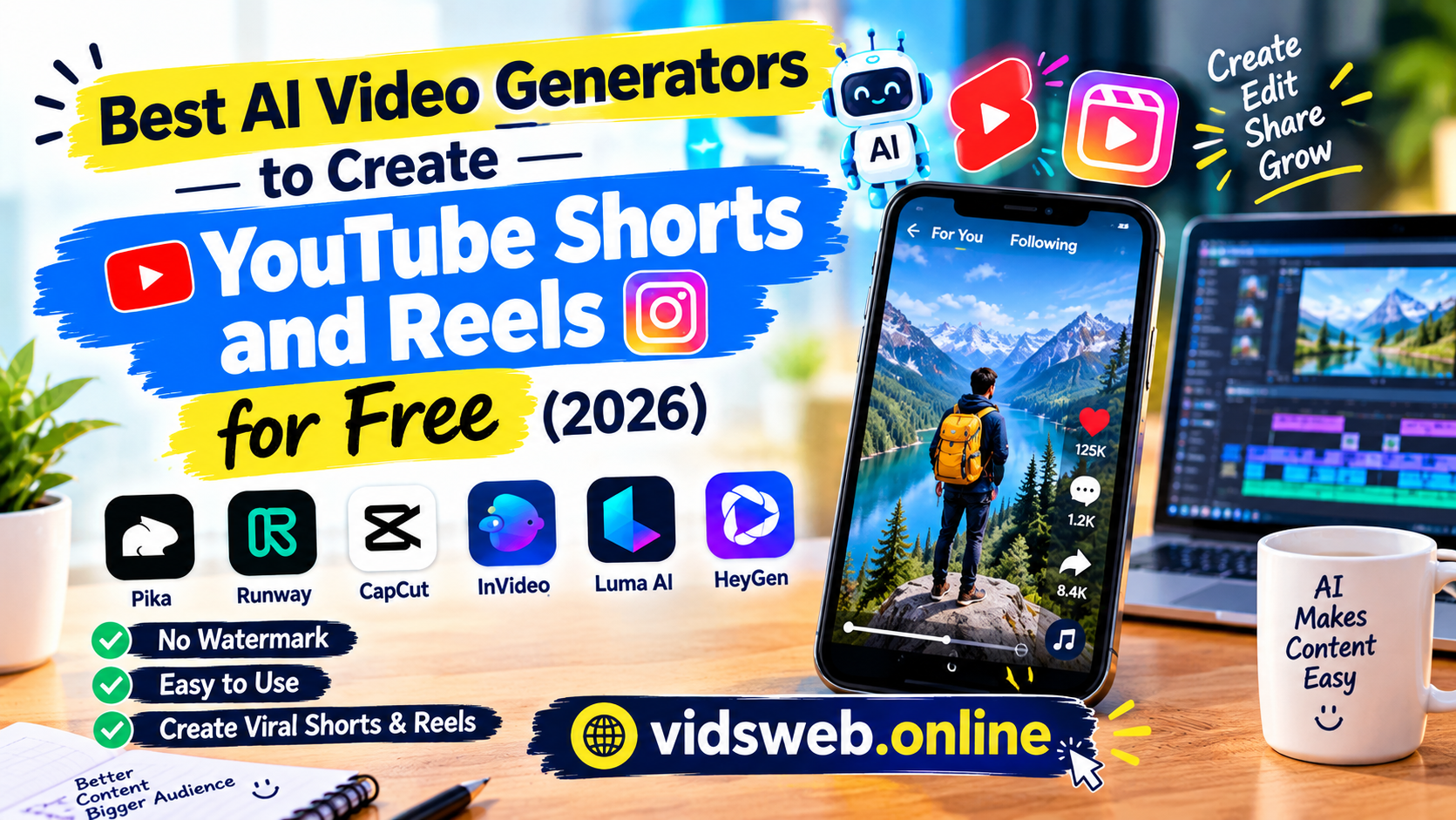
Choosing an AI video generator depends on your budget, editing experience, and the type of videos you want to create. Some tools turn scripts into videos, while others help edit existing footage or add captions. In this guide, we compare the main features, free-plan limitations, and best use cases of popular tools so you can choose one that fits your needs.
In 2026, AI video tools make it easier to create short videos for YouTube Shorts, Instagram Reels, and TikTok. Some tools can turn text prompts or scripts into videos, while others help you edit clips, add captions, and improve your content. The right tool depends on your needs, budget, and editing experience.
1. InVideo AI (Best for Script to Video)
InVideo AI (Best for Script-to-Video)
InVideo AI can help creators turn a written idea or prompt into a video. It is worth considering if you want to create YouTube Shorts, Instagram Reels, or other short-form content without editing every scene manually.
- How it works: Enter a prompt describing your video idea. Depending on the available features and plan, the tool can help generate a video using your instructions.
- Key features: It offers AI-assisted video creation and editing options. Available models, media, and generation limits can vary by plan.
- Best use case: It may suit beginners who want to create videos from scripts or ideas without building the entire video from scratch.
- Free-plan limitations: The free plan has limited usage. Check the current InVideo AI pricing and plans before starting, as credits and available features can change.
- What to check before publishing: Review the generated script, visuals, captions, voiceover, and factual claims. Make sure the final video fits your needs and that you have the necessary rights to use its media.
Our recommendation: Consider InVideo AI if your main goal is to turn ideas into videos quickly. Before choosing a paid plan, try the available free features and confirm that the export options meet your requirements.
2. CapCut AI Tools (Best for Trendy Templates)
CapCut is no longer just a basic video editor. In 2026, its AI-powered features have taken over social media trends.

CapCut is a video editing tool with AI-powered features that can help creators make short videos for YouTube Shorts, Instagram Reels, and TikTok. It combines editing tools, captions, visual effects, and templates in one place.
- How it works: Depending on the version and features available, you can edit existing clips or use AI video creation tools to help turn an idea or script into a video.
- Key features: CapCut offers automatic captions, text-to-speech, video background removal, visual effects, and ready-made templates for short-form content.
- Best for Reels and Shorts: Its editing tools and templates can help you create vertical videos, add captions, and apply effects without editing every element from scratch.
- What to consider: Some AI features may be limited by your device, region, or plan. Check the available tools before choosing CapCut for a specific project.
Our recommendation: CapCut is worth considering if you want to edit short videos, add captions, and use templates in one editor. Review the finished video carefully and make sure you have permission to use any music or other media you include.
Visit the official CapCut website to explore its current features.
3. Runway AI Video Generator (Best for Cinematic Visuals)
Runway offers AI video generation tools that can help creators produce cinematic clips for YouTube Shorts, Instagram Reels, storytelling, and creative projects. You can start with a text prompt, an image, or an existing video, depending on the tool and model you choose.
- How it works: Describe the scene you want, or provide an image or video as a starting point. Runway can generate or transform footage using the available AI models.
- Key features: Its tools support text-to-video, image-to-video, video editing, and other creative workflows. Available features depend on the selected model and plan.
- Best use cases: Runway may be useful for creators who need imaginative scenes, cinematic visuals, or custom clips for faceless video channels.
- What to consider: AI-generated footage may contain visual errors or unexpected movement, so review every clip before publishing. Check the current pricing and credit limits before relying on it for regular content creation.
Our recommendation: Consider Runway if custom AI-generated visuals are important to your video idea. Compare its available models and costs with other tools before choosing a plan.
Visit the official Runway AI video generator to explore its current tools and features.
4 Filmora (Best for AI-Assisted Video Editing)

Filmora is a video editor that combines traditional editing tools with AI-powered features. It can help creators turn video ideas into content for YouTube Shorts, Instagram Reels, and other social platforms.
- How it works: Filmora offers AI text-to-video and AI copywriting tools to help with video creation, scripts, titles, and captions.
- Key features: Depending on the version, Filmora includes automatic captions, silence detection, AI background removal, and Auto Reframe for adjusting videos to different aspect ratios.
- Best for Reels and Shorts: Auto Reframe can help convert horizontal footage into vertical formats such as 9:16, reducing the need for manual cropping.
- What to consider: Some AI features may require credits or a paid plan. Check the current version, pricing, and feature limits before choosing it.
Our recommendation: Filmora is worth considering if you want AI-assisted creation and video editing in one application. Review the final video and captions before publishing.
Visit the official Filmora AI features page to explore its current tools.
5. Pictory AI (Best for Turning Blog Posts into Videos)
Pictory AI helps creators repurpose written content into videos for YouTube Shorts, Instagram Reels, and other platforms. It can turn a blog post, article, or script into a video draft with visuals, voiceover, and captions.
- How it works: Paste the URL of a publicly accessible blog post or enter your script. Pictory can summarize the content and create an editable video storyboard.
- Key features: Depending on the workflow and plan, it can provide AI-generated scripts, matched visuals, voiceovers, and synchronized captions.
- Best for Shorts and Reels: It can help bloggers, educators, and creators turn useful written information into shorter video content.
- What to consider: Review the generated summary, visuals, pronunciation, and captions before exporting. Some details may need manual correction, and available features can vary by plan.
Our recommendation: Consider Pictory if you already publish articles or write scripts and want to reuse that content in video format. Add your own explanation and examples so the final video provides value beyond simply repeating the original text.
Visit the official Pictory website to explore its current features and plans.
Conclusion
Choosing the best AI video generator depends on the type of content you want to create, your editing skills, and your budget. InVideo AI can help turn ideas or scripts into videos, CapCut is useful for editing short-form content, Runway offers tools for generating creative visuals, Filmora combines AI features with video editing, and Pictory can help repurpose written content into videos.
Before choosing a tool, compare its available features, free-plan limits, export options, and pricing. Start with the tool that best matches your needs, review your videos before publishing, and keep improving your content based on audience feedback.
The best choice is not necessarily the tool with the most features, but the one that helps you create useful, engaging videos efficiently.