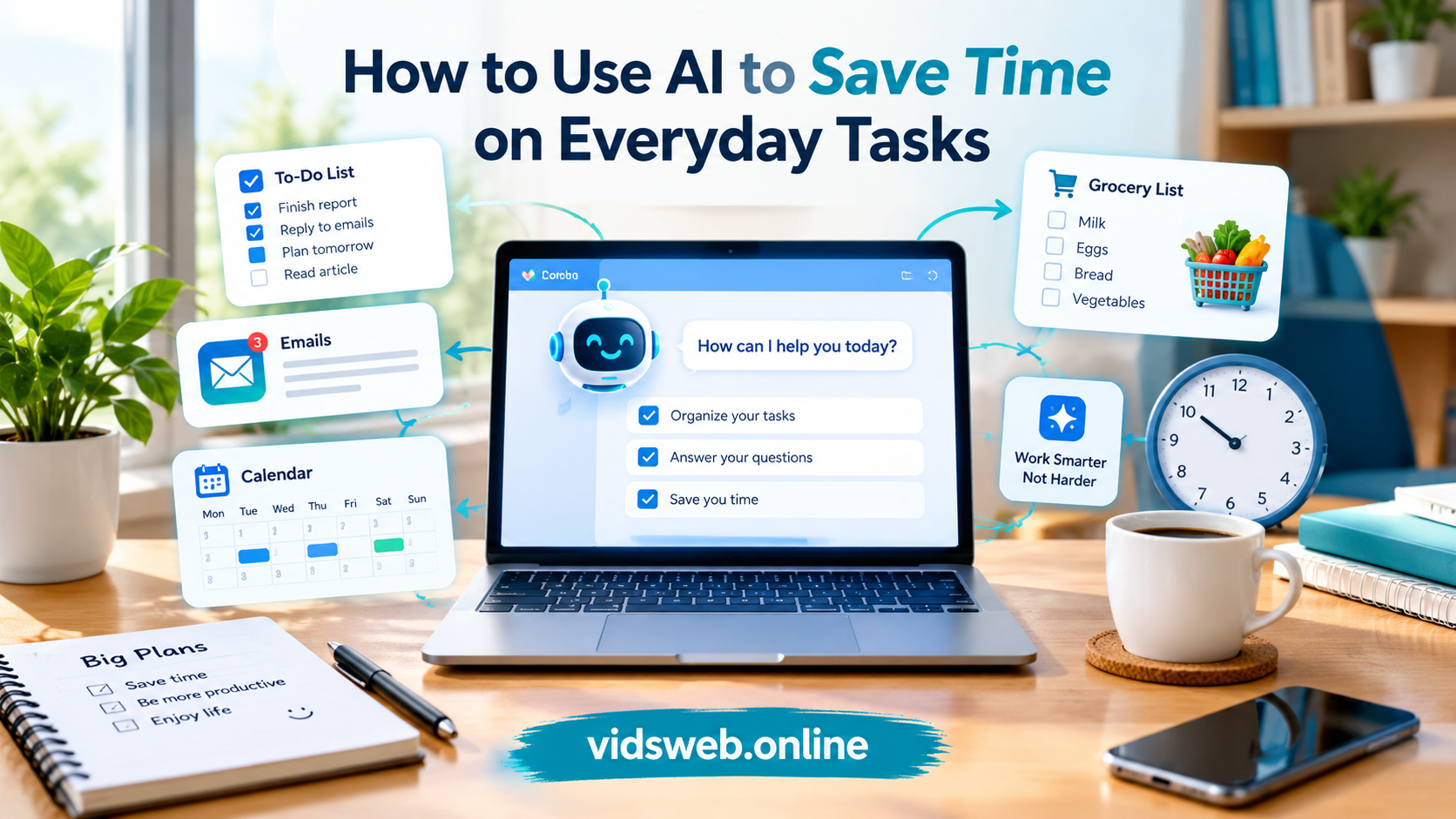
Small tasks can take up a large part of our day. Writing emails, organizing appointments, preparing shopping lists, searching for information, and planning work may seem simple, but doing everything manually can leave us with less time for important things.
Artificial intelligence (AI) offers a practical way to handle some of this routine work. With the right instructions, an AI assistant can help you draft messages, organize information, explain difficult topics, and prepare plans in less time than starting from scratch.
Learning how to use AI to save time does not require technical knowledge or an expensive subscription. You can begin with a free AI tool and one task that you regularly find difficult or time-consuming.
The important thing is to use AI where it genuinely helps, check the results carefully, and avoid spending more time correcting its mistakes than you save.
In this guide, you will discover practical ways to use AI in daily life, useful prompts you can try immediately, research findings about time savings, and a simple method to measure whether AI is improving your productivity.
What Does It Mean to Use AI to Save Time?
Using AI to save time means allowing an AI tool to assist with repetitive work, writing, planning, research, and organizing information.
For example, instead of writing a routine email from a blank page, you can describe the situation and ask AI to prepare a first draft. Instead of manually turning a long list of responsibilities into a schedule, you can ask it to organize the tasks by priority.
AI can also help you:
- Turn rough notes into a clear document.
- Summarize lengthy text into key points.
- Generate ideas when you do not know where to start.
- Prepare checklists for recurring activities.
- Explain unfamiliar concepts in simple language.
- Organize information so it is easier to review.
However, AI is not a substitute for human judgment. It may misunderstand instructions, produce incorrect information, or overlook an important detail.
The goal is to reduce unnecessary effort while keeping control over the final result.
1. Write Emails and Messages More Quickly
Email is one of the easiest places to start using AI because many messages follow similar patterns.
You may need to respond to a customer, request information, confirm an appointment, explain a delay, or follow up on an earlier conversation. An AI writing assistant can prepare a first draft that you can edit before sending.
For example, imagine a customer wants to know why an order has not arrived. Rather than spending several minutes deciding how to explain the situation, you can provide the confirmed details and ask AI to write a polite response.
Try this prompt:
“Write a polite email to a customer explaining that their order will arrive two days later than expected. Apologize for the inconvenience, explain the delay clearly, and keep the message under 100 words. Do not invent a reason for the delay.”
The result should give you a starting point rather than a message you must accept without review.
You can also ask AI to shorten an email, improve its tone, correct grammar, or turn informal notes into a professional message.
Time-saving tip: If you answer the same questions regularly, create reusable response templates. You can then personalize each message instead of writing it from scratch.
Before sending any AI-generated email, verify names, dates, prices, commitments, and other important details.
2. Organize Your Daily Schedule
A long to-do list does not automatically make a productive day. Without priorities, you may spend too much time on minor tasks while important work remains unfinished.
AI can help you turn a collection of responsibilities into a more realistic schedule.
Suppose your day includes replying to emails, completing a report, attending a meeting, buying groceries, and exercising. You can tell AI how much time you have and ask it to arrange these activities.
Try this prompt:
“Organize my tasks into a realistic schedule from 9 AM to 6 PM. I need to complete a report, reply to emails, attend a one-hour meeting, buy groceries, and exercise for 30 minutes. Include lunch and short breaks. Give priority to the report and meeting, and leave some flexibility for unexpected tasks.”
Review the suggested plan and adjust it to match your actual deadlines and energy levels.
AI can also help break a large project into manageable steps. If you need to prepare a presentation, for example, you can ask it to create a checklist covering research, outlining, slide preparation, proofreading, and final review.
For actual appointments and reminders, use a calendar or task-management app. A schedule generated in a chat will not automatically appear in your calendar unless the necessary integration is available and authorized.
3. Summarize Long Documents and Articles
Long documents can be difficult to review when you have limited time. AI summarization can help you identify the main points before deciding which sections need closer attention.
This can be useful for study notes, meeting records, business reports, lengthy emails, and general reading.
For example, a business owner might need to review a ten-page report but initially wants to understand its key findings. An AI tool can summarize the document and separate the main conclusions from supporting details.
Try this prompt:
“Summarize the text below in simple English. Provide five main points, list important dates and figures separately, and identify any decisions or actions mentioned. Use only information contained in the original text. If something is unclear, say so rather than guessing.”
This prompt encourages a more structured summary and reduces the risk of introducing unsupported details.
However, a summary may omit important context, exceptions, or qualifications. Always check the original material when making decisions involving contracts, finances, health, legal obligations, or other high-stakes matters.
Be careful with confidential documents, too. Before uploading files, check whether the AI service is appropriate for the information and how it handles submitted data.
4. Plan Meals and Shopping Lists
Household planning is another area where AI can reduce repetitive thinking.
You can ask an AI assistant to suggest meals using ingredients you already have, prepare a grocery checklist, or organize a shopping list by category.
Imagine you have rice, eggs, vegetables, and chicken at home. You could ask for several meal ideas based on these ingredients instead of searching through multiple recipes.
Try this prompt:
“Suggest five simple dinner ideas for two adults using affordable ingredients commonly available in local grocery shops. Keep preparation time under 30 minutes where possible. Then prepare a shopping list grouped into vegetables, protein, grains, and other items. Mark ingredients that may already be available in a typical kitchen as items to check.”
Once you receive the list, remove ingredients you already have and replace meals that do not suit your preferences.
You can make the plan more useful by specifying your budget, available cooking equipment, dietary preferences, and the number of people.
AI suggestions still need checking. Verify ingredient quantities, food safety instructions, allergies, and any special dietary requirements rather than assuming the recommendations are automatically suitable.
5. Research Information More Efficiently
Finding useful information online can involve opening several pages, comparing explanations, and trying to separate reliable facts from unsupported claims.
AI can help you identify what to research, understand unfamiliar terminology, and organize your findings.
For example, if you want to buy a laptop for online learning, you could ask AI to explain the differences between memory, storage, processor performance, battery life, and warranty coverage.
Try this prompt:
“I want a laptop for online learning, video calls, and everyday office work. Explain the specifications I should compare in simple English. Create a checklist for evaluating three laptops and identify which information I should verify on the manufacturers’ official websites.”
This gives you a practical framework for researching the purchase.
For current prices, product availability, recent news, laws, and changing policies, verify the information using reliable and up-to-date sources. AI may provide outdated facts or references that do not support its claims.
Use AI to make research more organized, not to eliminate fact-checking.
6. Study and Learn New Skills
Students and independent learners can use AI to make their study sessions more focused.
Instead of repeatedly reading the same notes, you can ask an AI assistant to explain a difficult concept, create practice questions, prepare flashcards, or suggest a revision plan.
One useful approach is to ask AI to test your understanding rather than simply summarize everything for you.
Try this prompt:
“Act as a study tutor. Use the notes below to create ten practice questions, beginning with basic concepts and gradually increasing the difficulty. Ask one question at a time, wait for my answer, and explain any mistakes in simple language. Do not introduce facts that are not supported by the notes.”
This method can help you identify gaps in your understanding and focus on the topics that need more attention.
You can also ask for a difficult explanation to be rewritten using everyday examples.
For the best results, compare important information with your textbook, course materials, or teacher’s instructions. Follow your institution’s rules on AI use in assignments, and make sure you understand the material instead of relying entirely on generated answers.
7. Improve Your Writing Without Starting Again
AI writing tools can help improve grammar, remove repetition, and make confusing sentences easier to understand.
They are useful for reports, website articles, product descriptions, presentations, notices, and everyday communication.
For example, you may have written a paragraph that contains the right information but sounds repetitive. Instead of rewriting it manually, you can ask AI to improve the clarity while preserving your meaning.
Try this prompt:
“Edit the text below for grammar, clarity, and readability. Keep the original meaning and natural tone. Remove unnecessary repetition, avoid exaggerated claims, and do not add facts that are not present in the original. Explain any important changes after the edited version.”
This instruction helps you maintain control over your writing.
For website owners, AI can support outlining, editing, and brainstorming, but the final article should provide accurate information and real value to readers. Review the content, check sources, add relevant examples, and remove generic paragraphs that do not answer the reader’s question.
The goal should be better content, not simply more content.
8. Create Templates for Repetitive Work
Some tasks occur so often that preparing a fresh document every time is unnecessary.
Examples include customer-service replies, meeting agendas, weekly reports, order updates, and routine checklists.
AI can help you create templates that you review once and reuse when appropriate.
Try this prompt:
“Create five reusable email templates for a small online shop: order confirmation, delivery delay, return request, product availability, and thank-you message. Keep each message friendly and professional. Use placeholders for the customer name, order number, product details, and relevant dates. Do not invent business policies.”
Save the reviewed templates in a document or another suitable application. When you need one, fill in the correct details and check the message before sending it.
This approach is often more efficient than repeatedly asking AI to generate nearly identical messages.
If you want to go further, automation platforms may connect forms, spreadsheets, email, and other applications. Such workflows require suitable integrations, permissions, and testing. A chatbot does not automatically perform actions across your accounts simply because you ask it to.
Start with one repetitive task, make sure the process works correctly, and expand only when the benefits are clear.
9. Organize Errands and Appointments
AI can help you plan activities outside work and study, too.
You might use it to prepare a packing checklist, group errands into a practical order, or organize the details you need before an appointment.
For example, suppose you need to visit a bank, collect a parcel, buy groceries, and pick up a prescription. You can provide the locations, opening hours, and the time available.
Try this prompt:
“Help me organize these four errands into a practical half-day plan. Use the locations and opening hours I provide. Allow time for travel and unexpected delays, and point out any information that needs to be checked before I leave.”
The result can give you a useful starting point.
However, verify actual opening hours, appointment times, and travel conditions. AI may assume a service is available or suggest an order that is impractical in the real world.
Once the plan is confirmed, add important appointments to your calendar or reminder app so that you do not have to rely on the chat alone.
10. Save Time on Small Business Tasks
Small business owners often handle customer communication, product descriptions, social media content, basic research, and administration themselves.
AI can assist with the preparation of these materials, leaving the owner more time to review decisions, serve customers, and manage the business.
For example, an online shop could use AI to draft product descriptions from verified specifications or plan a week of useful social media posts.
Try this prompt:
“I run a small online shop selling home accessories. Create a seven-day social media content plan with one post idea per day. For each idea, include the purpose, a short caption, and a suggested call to action. Do not invent discounts, product features, customer reviews, or claims about product performance.”
You can also use AI to organize customer feedback into themes, draft frequently asked questions, and create simple internal procedures.
However, always verify prices, stock levels, delivery dates, product specifications, and business policies before publishing or sending anything. Customer information and confidential business records should only be processed through appropriately authorized systems.
For more practical ideas, readers can also explore our guide to AI automation for beginners. Replace this link with the exact URL of your published AI automation article before publishing.
Which AI Tools Can Help You Save Time?
You do not need every AI application available. Choose a tool based on the task you want to improve.
ChatGPT can help with writing, brainstorming, explanations, planning, and organizing information. Visit https://chatgpt.com/
Google Gemini can assist with writing, research, summarization, and other tasks. Available features and integrations depend on your account. Visit https://gemini.google.com/
Microsoft Copilot can help with general questions and, in supported Microsoft 365 experiences, work involving documents, email, and spreadsheets. Some features require an eligible subscription. Visit https://copilot.microsoft.com/
Grammarly offers writing assistance, including grammar and clarity suggestions. Available features depend on the product and plan. Visit https://www.grammarly.com/
Notion AI can help users draft, summarize, and organize information within supported Notion workflows. Feature availability may depend on the plan. Visit https://www.notion.com/product/ai
These tools have different strengths, and their features and pricing can change. Check the official websites for current information before choosing a paid plan.
A sensible starting point is to choose one tool, test it on a task you perform regularly, and measure the result before adding another application.
What Does Research Say About AI and Time Savings?
AI’s ability to save time is supported by research, but the results depend on the task, the tool, and the person using it.
A U.S. Census Bureau report published on August 11, 2026, examined findings from the March 2026 Household Trends and Outlook Pulse Survey. Among U.S. workers who reported using AI at work in the previous week, 31% said it helped them save one to two hours. The most commonly reported uses included searching for information, writing communications, generating ideas, summarizing information, and administrative work.
These figures represent workers’ own reports. They are not a guarantee that everyone will save the same amount of time.
Another study, published as an NBER working paper in 2025, examined a six-month field experiment involving 7,137 knowledge workers across 66 firms. In the second half of the experiment, the 80% of workers in the treated group who actually used the AI tool spent approximately two fewer hours on email each week. Researchers also found reduced work outside regular hours, but did not detect changes in the overall quantity or composition of tasks attributable to individual access to the tool.
This study focused on a particular AI tool integrated into workplace applications. Its findings should not be treated as proof that every AI assistant will produce the same results.
What do these findings mean for everyday users?
They suggest that AI can reduce the time spent on certain routine tasks, particularly communication and information work. They also show why measuring your own results matters: the benefits vary, and some users may save little time or need extra time to correct the output.
Research sources:
- U.S. Census Bureau, About a Third of Workers Who Used AI in the Last Week Said They Completed Tasks One to Two Hours Faster.
- National Bureau of Economic Research, Shifting Work Patterns with Generative AI.
How to Measure the Time You Actually Save
The easiest way to find out whether AI is helping is to compare a task before and after using it.
Consider this illustrative example:
| Activity | Without AI | With AI |
|---|---|---|
| Preparing a routine email | 20 minutes | 5 minutes |
| Reviewing and correcting | Included above | 5 minutes |
| Total time | 20 minutes | 10 minutes |
| Potential time saved | — | 10 minutes |
In this example, the task takes half as long when AI is used. These figures are illustrative rather than measured research results; your own experience may differ.
Use the following steps to run your own test.
Step 1: Choose one task. Pick something you do regularly, such as writing emails, preparing summaries, or organizing a daily schedule.
Step 2: Record your usual time. Measure how long the task takes when you complete it normally.
Step 3: Try AI with clear instructions. Explain the task, the desired result, and any limitations.
Step 4: Include review time. Record how long you spend checking facts, correcting errors, and personalizing the result.
Step 5: Compare quality as well as speed. A faster result is not an improvement if it contains mistakes or fails to meet your requirements.
Step 6: Repeat the test. Try the task several times before deciding whether AI is useful enough to become part of your routine.
This simple method helps you avoid relying on impressive demonstrations or unsupported promises of productivity.
Common Mistakes to Avoid When Using AI
AI is most useful when you understand its limitations. Avoid these common mistakes:
- Accepting every answer without checking: AI can produce incorrect facts, outdated information, and misleading summaries.
- Giving vague instructions: Explain exactly what you need, who the result is for, and what format you want.
- Using too many tools: Switching between several applications may create extra work instead of saving time.
- Sharing sensitive information carelessly: Do not submit passwords, private customer details, or confidential records to services that are not approved for that information.
- Automating important decisions without oversight: Review actions involving money, health, legal obligations, and customer commitments.
- Ignoring the time needed for corrections: Include editing and verification when measuring productivity.
- Relying on AI for every task: Some activities are quicker and more reliable when handled directly.
The best approach is to use AI where it provides a clear benefit while keeping important decisions and quality checks under human control.
Frequently Asked Questions
1. How can I use AI to save time every day?
Start with routine activities such as drafting emails, planning your schedule, summarizing documents, creating shopping lists, and organizing study notes. Choose one activity and compare the total time required with your usual method.
2. What is the best AI tool for everyday tasks?
ChatGPT is a useful starting point for general writing, explanations, brainstorming, and planning. Google Gemini and Microsoft Copilot are alternatives worth considering, particularly if you already use their respective ecosystems. The best choice depends on your needs, budget, privacy requirements, and available features.
3. Can I save time with AI without paying?
Yes. Several AI services provide free access with usage limits or restricted features. Start with a free option, test it on a real task, and consider a paid plan only if you need additional capabilities.
4. Can students use AI to study more efficiently?
Yes. Students can use AI to explain difficult concepts, prepare practice questions, organize revision schedules, and summarize notes. They should verify important information and follow their school’s or university’s rules regarding AI use.
5. Can AI complete tasks automatically?
Some AI products can perform actions or connect to other applications when suitable features, integrations, and permissions are available. Other tools only generate text or suggestions. Confirm what the product can actually do before relying on it to send messages, update records, or carry out other actions.
6. Is it safe to use AI for personal tasks?
AI can be useful for ordinary planning and general assistance, but privacy depends on the service and how you use it. Check the provider’s data-handling practices and avoid sharing sensitive information unless the service is appropriate for that purpose.
7. Does AI always improve productivity?
No. AI can save time on some tasks, but mistakes, vague instructions, and excessive editing can reduce or eliminate the benefit. Measure both the time saved and the quality of the final result.
Final Thoughts
Learning how to use AI to save time is not about adopting every new tool or automating every part of your life. It is about identifying the small tasks that repeatedly consume your attention and finding a practical way to handle them more efficiently.
Start with one activity, such as writing routine emails, summarizing information, or organizing your schedule. Give AI clear instructions, review its output, and measure how much time you actually save.
If the results are consistently useful, make the process part of your routine. If AI creates more work than it removes, change your approach or handle the task another way.
Used thoughtfully, AI can become a practical assistant for everyday life. The real benefit comes from combining its speed with your own judgment, experience, and attention to detail.
Published by vidsweb.online — practical guides to AI tools and technology.