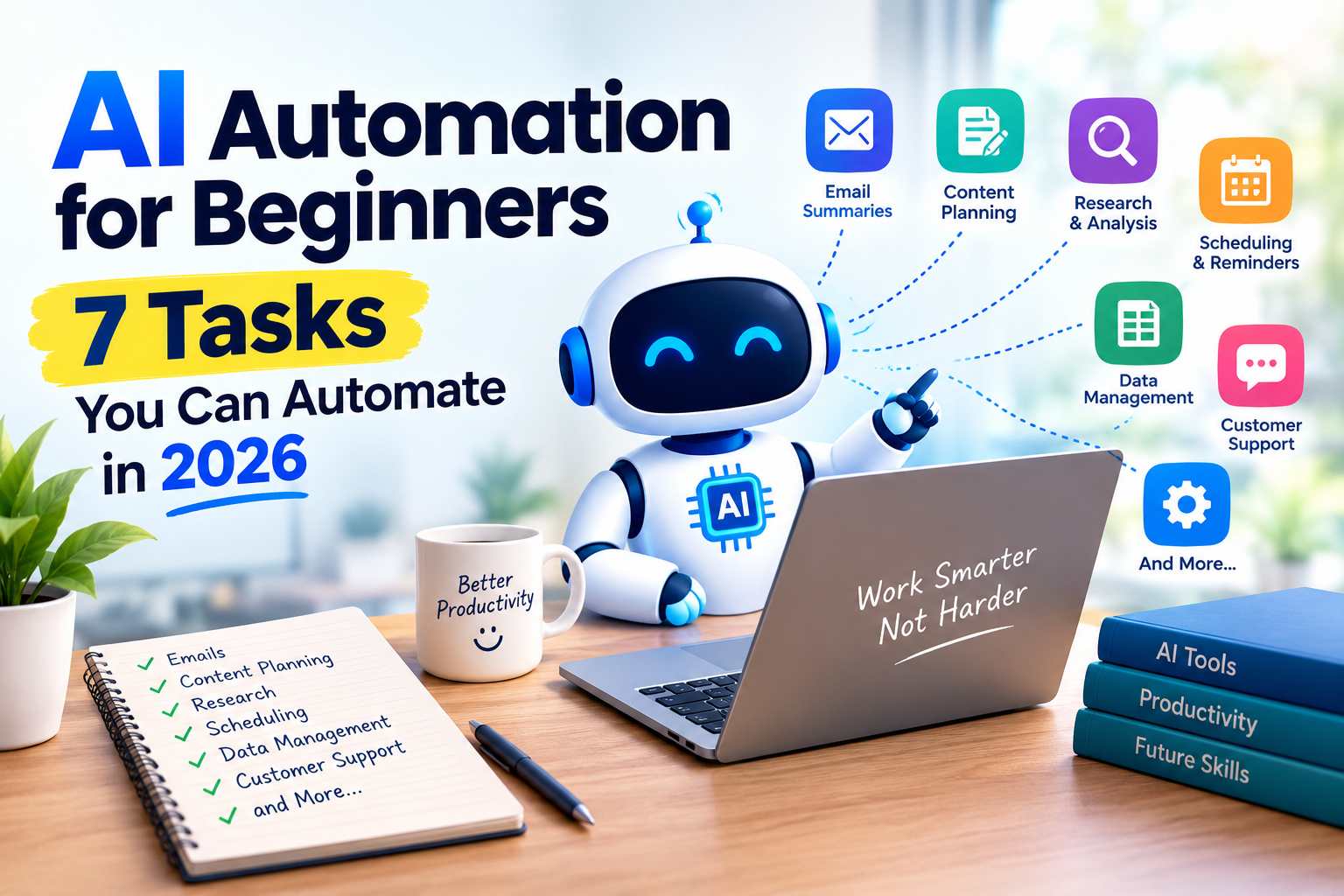
AI Automation for Beginners
Artificial intelligence (AI) is changing the way people work, study, create content, and manage everyday tasks. Many activities that once required hours of manual effort can now be completed faster with AI-powered tools and automation workflows.
The good news is that you do not need to be a programmer to get started. Beginners can use AI assistants, email tools, scheduling applications, and no-code automation platforms to simplify repetitive work.
However, AI automation is not about handing every decision over to a machine. The best results come from combining automation with human judgment, reviewing important information, and protecting personal data.
In this guide, you will learn seven practical tasks you can automate in 2026, which tools may help, and how to start safely.
What Is AI Automation?
AI automation is the use of artificial intelligence and software workflows to perform tasks that would otherwise require repeated human effort.
Traditional automation follows fixed rules. For example, a rule might automatically move every email from a particular sender into a folder.
AI-powered automation can also work with information that is less structured. Depending on the tool, it may summarize an email, categorize a message, extract important details from a document, or draft a response for review.
A typical workflow has three parts:
- Trigger: An event starts the workflow, such as receiving an email or adding a new task.
- Processing: An AI tool or automation rule analyzes the information and performs a defined action.
- Result: The workflow creates a summary, prepares a draft, updates a record, or notifies a person.
For example, a new email could trigger an AI-generated summary that is saved in a task list. You can then review the summary and decide what to do next.
1. Summarize Emails and Prepare Replies
Email management is one of the easiest places to begin with automation. Important messages can get buried under newsletters, notifications, and routine requests.
AI assistants can help summarize long messages, identify action items, and prepare draft replies.
How to automate email tasks
- Choose an email service or AI assistant that supports the features you need.
- Select a repetitive task, such as summarizing long emails.
- Set up an available rule or workflow to identify relevant messages.
- Ask the AI to produce a short summary and list any requested actions.
- Review the result before sending a reply or making a commitment.
For example, a summary could turn a long project email into three points: the deadline, the requested document, and the next meeting date.
Tools to explore: Gmail features, Google Workspace AI features where available, and automation platforms such as Zapier or Make.
Important tip: Do not automatically send AI-written replies without review. AI may misunderstand a request, overlook important context, or produce an inaccurate answer. Be careful when processing confidential emails.
2. Create a Content Calendar for a Blog
Bloggers, website owners, and social media creators often spend considerable time planning topics and organizing publishing schedules.
AI can help brainstorm ideas, group related topics, suggest outlines, and create a draft content calendar. Automation can then move approved ideas into a spreadsheet or project management tool.
A simple content-planning workflow
- Create a list of topics relevant to your audience.
- Ask an AI assistant to group them into useful categories.
- Request an outline for each approved topic.
- Add the topic, target audience, status, and planned publishing date to a spreadsheet.
- Use an available integration to move approved tasks into your content planner.
For example, a technology blog might organize its content into AI tutorials, productivity tools, beginner guides, and digital safety.
A useful content calendar could include:
- Article topic
- Target reader
- Main search intent
- Draft status
- Planned publication date
- Fact-checking status
Tools to explore: ChatGPT, Google Sheets, Notion, Trello, and automation services such as Zapier or Make. Features and integrations depend on the plan and account.
Important tip: AI-generated topic suggestions are not proof of search demand. Research your audience and search terms before choosing what to publish. Review every article for accuracy, originality, and usefulness before publication.
3. Turn Notes into Tasks and Reminders
Many people collect ideas in notebooks, documents, chat messages, or voice recordings and then forget to turn them into actionable tasks.
AI can help convert unstructured notes into a clear to-do list. A workflow can then add approved tasks to a calendar or task management application.
How it works
Imagine that you write the following note:
“Finish the blog introduction on Thursday, check the tool prices, and publish the article after reviewing the screenshots.”
An AI assistant could organize it into three tasks:
- Finish the introduction.
- Verify tool pricing.
- Review screenshots before publication.
You can then assign dates, priorities, and reminders in your task manager.
Getting started
- Choose one place to collect your notes.
- Use an AI assistant to extract tasks, deadlines, and priorities.
- Check that the extracted information matches your original notes.
- Send the approved tasks to a supported calendar or task manager.
- Review the list regularly.
Tools to explore: Todoist, Notion, Google Calendar, Microsoft To Do, and AI assistants that support task organization.
Important tip: Do not let an AI invent deadlines or assume that an idea is a confirmed commitment. Check dates and details before adding reminders.
4. Research Topics and Organize Information
Research often involves reading multiple pages, comparing information, and organizing findings. AI can speed up the initial organization process.
For example, a blogger researching AI image generators might create a comparison table covering supported features, free-plan limitations, account requirements, and intended use cases.
AI can help extract information from material you provide, identify questions that need further investigation, and organize findings into a structured outline.
A practical research workflow
- Define the exact question you want to answer.
- Gather information from reliable sources, such as official product documentation.
- Ask an AI tool to organize the supplied information into categories.
- Verify important facts against the original sources.
- Record the source and the date you checked time-sensitive details.
This approach is particularly useful when researching software features, product documentation, technical explanations, and educational topics.
Tools to explore: ChatGPT, Google Gemini, Microsoft Copilot, and research tools that provide accessible source references.
Important tip: AI can generate convincing but incorrect statements or citations. Open the original sources and verify important claims. Never assume that an answer is accurate just because it sounds professional.
5. Repurpose Long Content into Shorter Formats
A single useful article, tutorial, or presentation may contain enough information for several different formats.
AI can help transform that material into a short summary, social media captions, a video script, or a newsletter draft. This reduces repetitive writing while allowing you to reach people who prefer different formats.
Example: Repurposing one blog post
Suppose you publish an article explaining how AI image generators work. You could use it to prepare:
- A short educational video script.
- Three social media post drafts.
- A newsletter summary.
- A list of frequently asked questions.
- A short checklist for beginners.
How to do it
- Start with content you own or have permission to use.
- Ask an AI assistant to identify the main points.
- Specify the audience, platform, length, and tone for each format.
- Review each version to make sure it remains accurate.
- Adapt the final content to the platform rather than publishing identical text everywhere.
Tools to explore: ChatGPT, Canva, CapCut, and video editing tools with AI-assisted features.
Important tip: Repurposing should add value, not simply produce large amounts of repetitive content. Check quotations, image permissions, music licenses, and platform requirements before publishing.
6. Organize Spreadsheet Data and Create Reports
Spreadsheets can become difficult to manage when they contain hundreds of rows, inconsistent labels, or repeated manual calculations.
AI assistants can help explain formulas, suggest ways to clean data, summarize trends, and draft reports. Some spreadsheet applications also offer integrated AI features, depending on the account and subscription.
Example: A simple content performance report
A website owner might maintain a spreadsheet with columns for:
- Article title
- Publication date
- Search impressions
- Search clicks
- Updates completed
- Next action
An AI assistant can help explain the data, identify questions worth investigating, and turn the results into a readable report.
Getting started
- Make a copy of your spreadsheet before changing the original.
- Remove unnecessary personal or confidential information.
- Ask the AI to explain the data structure or suggest a formula.
- Test formulas on a few rows.
- Compare the final output with the original data.
Tools to explore: Google Sheets, Microsoft Excel, and compatible AI assistants.
Important tip: AI-generated formulas and summaries can be wrong. Validate calculations before using them for financial, business, or other important decisions.
7. Automate Routine Customer Questions
Small businesses often answer the same questions repeatedly, such as opening hours, delivery arrangements, service availability, or return policies.
A properly configured chatbot or support workflow can help answer straightforward questions using approved information. More complicated questions can be passed to a human.
How to set up a basic support workflow
- List the most common customer questions.
- Write accurate answers based on your actual policies.
- Choose a chatbot or customer support tool that suits your website.
- Configure it to use your approved information where supported.
- Test common questions and unusual cases.
- Provide a clear way for customers to contact a person.
For example, a chatbot for an online shop might explain delivery options using the shop’s published delivery policy.
Tools to explore: Customer support platforms with AI features, website chatbot services, and no-code workflow tools.
Important tip: Do not allow a chatbot to invent refund policies, promise unavailable products, or make commitments that your business cannot fulfill. Tell users when they are interacting with an automated assistant and provide a human contact option.
How to Choose Your First AI Automation Tool
You do not need to subscribe to several services at once. Start with a single task and choose the simplest tool that can handle it reliably.
| Your task | Tools to explore | What to check |
|---|---|---|
| Email summaries | Gmail features and AI assistants | Privacy and email permissions |
| Content planning | ChatGPT, Notion, Google Sheets | Export and integration options |
| Tasks and reminders | Todoist, Google Calendar | Supported connections |
| Research organization | AI assistants and research tools | Source quality and citations |
| Content repurposing | ChatGPT, Canva, CapCut | Editing and publishing rights |
| Spreadsheet help | Google Sheets, Excel | Formula accuracy |
| Customer support | AI-enabled support platforms | Human handoff and policy controls |
The tools listed above are examples, not endorsements. Availability, prices, free-plan limits, and integrations can change. Check each provider’s official documentation before choosing a service.
A Beginner’s 7-Day AI Automation Plan
Getting started with AI automation does not have to be complicated. Fortunately, a simple weekly plan can help you learn the basics and build confidence.
First, identify one repetitive task that takes too much time, such as organizing emails or planning content. For example, you might choose to summarize long emails or organize blog ideas.
Next, test an AI assistant manually and compare its results with your usual process. This way, you can understand whether the tool actually saves time.
Once you understand the task, create a reusable prompt or establish a simple rule to make the process easier. In addition, write down the steps so you can repeat them consistently.
After that, connect the workflow to another application if a suitable integration is available. However, make sure you understand the permissions and costs before connecting your accounts.
Before relying on the workflow, test it with sample information and check for errors. As a result, you can identify problems before they affect your real work.
For important actions, such as sending emails or publishing content, add a human approval step. This is especially important when accuracy and privacy matter.
Finally, review the results at the end of the week. Decide whether the workflow saves time, reduces repetitive work, and produces reliable output.
Common AI Automation Mistakes to Avoid
Before relying on automation, watch out for these common mistakes:
1. Automating an unclear process: First understand the task and decide what a good result looks like.
2. Trusting every AI output: Check facts, calculations, summaries, and important recommendations.
3. Sharing sensitive information: Review the provider’s privacy settings and avoid submitting passwords, private customer details, or confidential documents unnecessarily.
4. Connecting too many accounts: Give an automation only the permissions it needs and review connected applications regularly.
5. Publishing unreviewed content: AI-generated material still requires editorial judgment, fact-checking, and original value.
6. Ignoring costs: Some services charge based on subscriptions, workflow runs, or usage. Check the pricing before building a workflow that runs frequently.
Frequently Asked Questions
What is the easiest AI automation for beginners?
Summarizing notes, drafting email replies, and organizing content ideas are good starting points. You can test these tasks manually with an AI assistant before connecting other applications.
Can I use AI automation for free?
Some AI tools and automation platforms offer free plans or limited features. However, usage limits, integrations, and advanced automation options may require a paid subscription. Always check the current terms.
Do I need coding skills to automate tasks with AI?
No. Many tools provide visual workflow builders or built-in automation features. More complex workflows may require technical knowledge, APIs, or code.
Is AI automation safe?
It can be useful when configured carefully, but safety depends on the tool, permissions, information being processed, and actions being performed. Protect sensitive information and require human review for important decisions.
Can AI automation replace human work completely?
Not reliably in every situation. AI is often useful for repetitive tasks, initial drafts, and organizing information, while people remain important for judgment, accountability, relationship-building, and handling unusual cases.
How do I know whether an automation is worth using?
Compare the time saved with the time needed to set up, maintain, and check the workflow. Also consider errors, subscription costs, and privacy risks. Keep automations that deliver a genuine improvement.
Conclusion
AI automation can make everyday work more manageable, even if you have no programming experience. From organizing emails and planning content to summarizing research and preparing reports, there are many ways to reduce repetitive effort.
The best approach is to begin with one simple task, test an AI tool, verify the results, and add automation only when it provides a clear benefit. Protect your information and keep human review in place for important actions.
You do not need to automate everything to benefit from AI. Start small, learn from the results, and build a workflow that genuinely helps you work more efficiently.
It’s very useful for ai new user