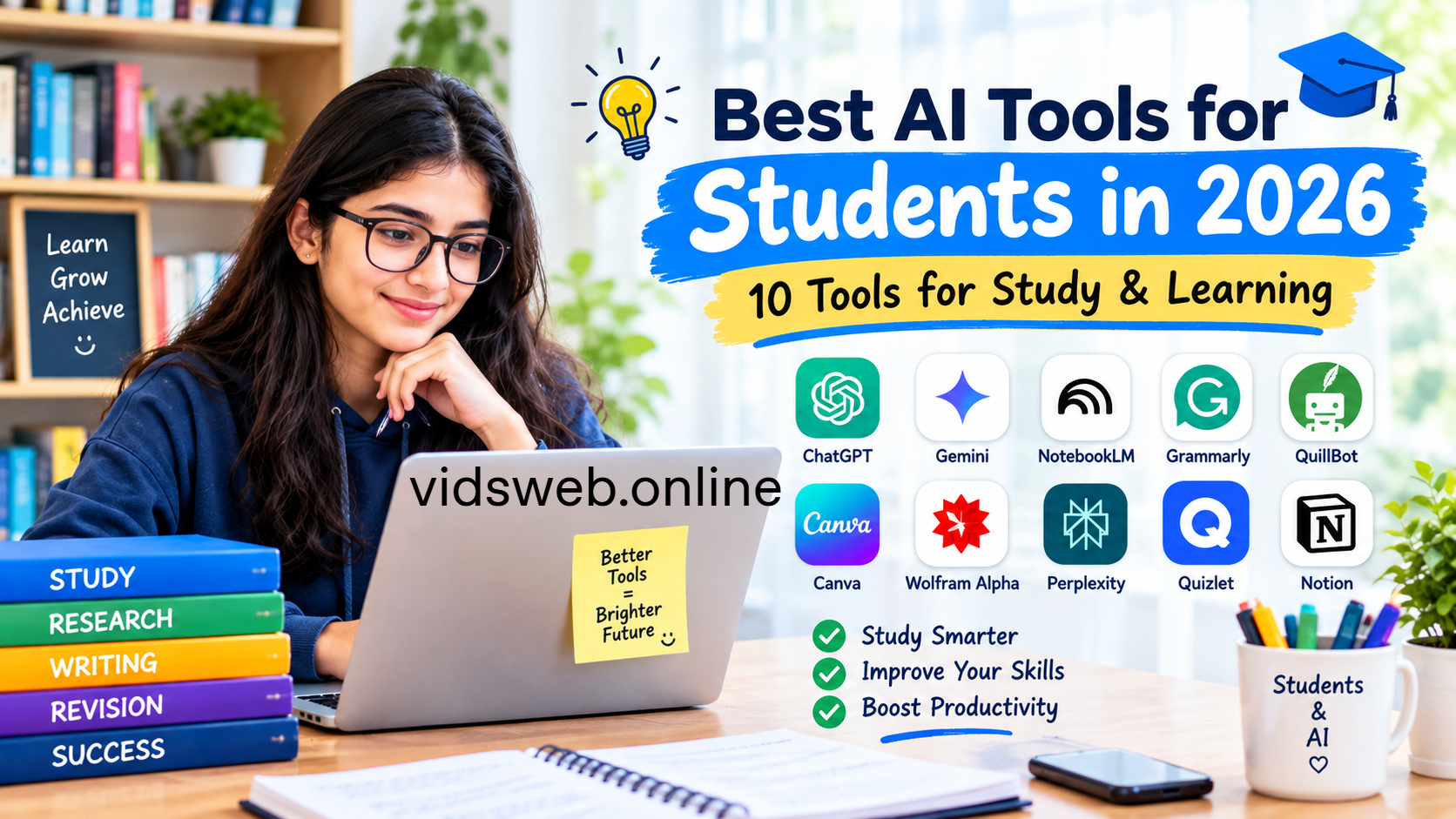
Students in 2026 have more options than ever for using artificial intelligence to make studying easier, organize assignments, understand difficult concepts, and prepare for exams. From AI study assistants to research tools and flashcard makers, the right tools can help students use their study time more effectively.
However, not every AI tool is suitable for every task. Some are better for understanding complex subjects, while others help with research, writing, mathematics, presentations, or revision.
In this guide, we explore 10 useful AI tools for students in 2026, explain what each tool does best, share practical examples, and discuss important limitations to consider before using them.
Disclosure: This article is for informational purposes. Features, pricing, and free-plan limits may change. Check each tool’s official website for the latest details before signing up.
Quick Comparison: Best AI Tools for Students
| AI Tool | Best For | Official Website |
|---|---|---|
| ChatGPT | Explanations and personalized study help | ChatGPT |
| Google Gemini | Learning support and study planning | Gemini |
| Google NotebookLM | Studying uploaded notes and sources | NotebookLM |
| Grammarly | Grammar and writing improvement | Grammarly |
| QuillBot | Paraphrasing and summarizing | QuillBot |
| Canva | Presentations and visual study materials | Canva |
| Wolfram Alpha | Mathematics and computational questions | Wolfram Alpha |
| Perplexity | Web research and source discovery | Perplexity |
| Quizlet | Flashcards and exam revision | Quizlet |
| Notion AI | Notes, organization, and planning | Notion |
1. ChatGPT — Best for Understanding Difficult Topics
ChatGPT is an AI assistant that can help students understand academic concepts, practice problem-solving, generate revision questions, and organize their study plans. Instead of simply asking for an answer, students can ask for an explanation suited to their current knowledge level.
One useful feature is Study Mode, which can guide learners through problems step by step, ask questions, and help them check their understanding.
Best uses for students:
- Understanding difficult topics in science, history, and other subjects.
- Creating practice questions and revision plans.
- Breaking complicated concepts into smaller steps.
- Receiving feedback on a draft or an argument.
- Practicing a topic before an examination.
Practical example
Suppose you are struggling to understand photosynthesis. You could ask:
“Explain photosynthesis in simple English for a beginner. Use an everyday example, explain the important terms, and then give me five practice questions without showing the answers immediately.”
This approach encourages you to learn the concept rather than copy a ready-made response.
Free access: ChatGPT offers a free plan, but usage limits and available features can vary.
Limitations: ChatGPT can produce incorrect facts, calculations, or references. Verify important information with your textbook, teacher, or reliable sources. Follow your institution’s rules when using AI for assignments.
Official website: https://chatgpt.com/
2. Google Gemini — Best for Personalized Learning Support
Google Gemini is an AI assistant that can help students explore topics, brainstorm ideas, understand difficult material, and prepare for tests. Depending on account eligibility and feature availability, it can also work with uploaded learning materials and support interactive study activities.
Students who already use Google services may find Gemini convenient for their learning workflow.
Best uses for students:
- Explaining unfamiliar concepts in simple language.
- Creating a study timetable for upcoming exams.
- Generating quizzes from class notes.
- Brainstorming ideas for projects and presentations.
- Getting feedback on a piece of writing.
Practical example
If you have two weeks before a biology examination, try this prompt:
“Create a 14-day biology revision plan using these topics: cell structure, genetics, photosynthesis, and human digestion. Divide the topics into manageable daily sessions and include a short self-test at the end of each session.”
Review the proposed plan and adjust it to match your actual syllabus and available study time.
Free access: Gemini offers access without a paid subscription, although features, usage limits, and eligibility differ between plans and accounts.
Limitations: AI-generated study plans may not match your teacher’s priorities. Always compare them with your syllabus and course materials.
Official website: https://gemini.google.com/
3. Google NotebookLM — Best for Studying Your Own Notes
NotebookLM is particularly useful when you need to study information from specific documents instead of relying only on general answers from an AI assistant.
You can add supported source materials, such as class notes, documents, and PDFs, and ask questions about the information they contain. Depending on current availability, it can also help create summaries, study guides, flashcards, and audio overviews.
Best uses for students:
- Reviewing lengthy lecture notes.
- Finding important points in course documents.
- Preparing summaries from assigned reading.
- Creating revision questions from uploaded sources.
- Organizing research materials for a project.
Practical example
Imagine you have a 30-page set of history notes. Add the document to NotebookLM and ask:
“Create a study guide based only on my uploaded notes. Organize the main events by date, explain the important causes and consequences, and create ten revision questions. Tell me if a question cannot be answered from the sources.”
Check the generated study guide against the original document before using it for an examination.
Free access: NotebookLM offers free access, with usage limits and feature availability subject to change.
Limitations: It can misunderstand a passage or overlook relevant details. Poorly scanned documents can also reduce the quality of its answers. Check the original source whenever accuracy matters.
Official website: https://notebooklm.google.com/
4. Grammarly — Best for Improving Academic Writing
Grammarly helps students improve grammar, spelling, punctuation, clarity, and tone. It can be useful when preparing essays, reports, emails, and other academic documents.
The goal should be to improve your own writing rather than allow a tool to replace your ideas and reasoning.
Best uses for students:
- Correcting spelling and grammar mistakes.
- Improving sentence clarity.
- Finding repetitive wording.
- Checking whether writing sounds appropriately formal.
- Reviewing drafts before submission.
Practical example
Write your own paragraph explaining a scientific concept. Use Grammarly to identify grammar mistakes and unclear sentences, then review each suggestion before accepting it.
This gives you an opportunity to learn from recurring errors and improve your writing over time.
Free access: Grammarly provides a free option with a selection of writing features. More advanced features may require a paid plan.
Limitations: Grammar suggestions are not always appropriate for the context. Review every change, preserve your intended meaning, and follow your institution’s rules regarding AI-assisted writing.
Official website: https://www.grammarly.com/
5. QuillBot — Best for Paraphrasing and Summarizing
QuillBot offers writing tools that can help students rephrase sentences, summarize text, and improve the readability of their own writing.
It can be helpful when you understand a concept but are struggling to express it clearly. However, paraphrasing is not a substitute for understanding a source or giving proper credit to its author.
Best uses for students:
- Improving awkward sentences.
- Summarizing material for revision.
- Exploring alternative ways to express an idea.
- Reviewing the clarity of a paragraph.
- Improving the flow of a draft.
Practical example
After reading a textbook section about climate change, write your own explanation of the main idea. Use a summarizing tool to compare the important points, then check your version against the original source.
If your work uses ideas or information from another author, cite that source according to your required citation style.
Free access: QuillBot offers free tools with limitations. The available word counts and features may differ by plan.
Limitations: Paraphrasing tools can change the meaning of a sentence or produce wording that is too similar to the original. Never use paraphrasing to disguise copied work or avoid plagiarism checks.
Official website: https://quillbot.com/
6. Canva — Best for Presentations and Visual Study Materials
Canva is a design platform that helps students create presentations, diagrams, posters, infographics, and other visual learning materials. Its AI-powered features can assist with selected writing and design tasks.
Visual materials can be particularly useful when preparing a class presentation or organizing a complicated topic into a clear diagram.
Best uses for students:
- Designing classroom presentations.
- Creating revision posters and infographics.
- Building visual summaries of a chapter.
- Preparing project covers and educational diagrams.
- Organizing information into easy-to-read layouts.
Practical example
For a school presentation about the solar system, create slides that introduce the planets, compare their characteristics, and explain their order from the Sun. Use reliable scientific sources to verify the facts and select images you are permitted to use.
Keep each slide focused on one main idea instead of filling it with long paragraphs.
Free access: Canva offers a free plan. Some templates, assets, and AI features may require a paid subscription.
Limitations: Attractive designs do not guarantee accurate information. Review facts, image licenses, accessibility, and readability before submitting your project.
Official website: https://www.canva.com/
7. Wolfram Alpha — Best for Mathematics and Computational Questions
Wolfram Alpha is a computational knowledge tool that can help students explore mathematical expressions, equations, functions, and selected scientific questions.
It is especially useful when you want to check a calculation or explore how a mathematical expression behaves.
Best uses for students:
- Checking algebraic calculations.
- Exploring functions and graphs.
- Working with derivatives and integrals.
- Performing selected statistical calculations.
- Checking mathematical results while practicing.
Practical example
If you are learning quadratic equations, enter an equation such as x^2 - 5x + 6 = 0 and inspect the result. Then solve it yourself using factorization and compare your work with the output.
The learning benefit comes from understanding why the solution works, not just copying the final answer.
Free access: Wolfram Alpha provides free computational features, while some advanced step-by-step solutions and capabilities may require a paid subscription.
Limitations: Available explanations depend on the input and feature access. A correct numerical result does not necessarily mean you understand the underlying method. Check the steps against your course’s approach.
Official website: https://www.wolframalpha.com/
8. Perplexity — Best for Web Research and Discovering Sources
Perplexity is an AI-powered search and answer tool that can help students explore a topic and discover sources for further reading. It can be useful during the early stages of a research project, when you need an overview and a list of potentially relevant references.
Best uses for students:
- Exploring an unfamiliar subject.
- Finding sources for further investigation.
- Comparing explanations of a topic.
- Identifying relevant research questions.
- Getting an initial overview before reading original materials.
Practical example
For a project about renewable energy, ask:
“Give me an overview of the main types of renewable energy. Include links to credible sources, distinguish established facts from areas of debate, and suggest which original reports I should read next.”
Open the cited sources yourself. Check their authors, publication dates, evidence, and relevance to your research question.
Free access: Perplexity offers a free option, with advanced features and usage limits depending on the current plan.
Limitations: A cited source may not fully support the accompanying claim. Some answers may omit important context or rely on weak sources. Verify important claims directly from the original publications.
Official website: https://www.perplexity.ai/
9. Quizlet — Best for Flashcards and Exam Revision
Quizlet is a study platform that helps learners review information using flashcards and other practice activities. Its AI-powered study features can assist with creating study guides, flashcards, and practice tests from supported learning materials.
This type of tool is especially useful when you need to remember definitions, vocabulary, formulas, dates, or key concepts.
Best uses for students:
- Practicing vocabulary and definitions.
- Reviewing key facts before an examination.
- Creating flashcards from class notes.
- Testing recall through practice questions.
- Organizing revision around specific subjects.
Practical example
For a biology test, prepare flashcards with a question on one side and an answer on the other.
For example:
- Question: What is the main function of mitochondria?
- Answer: They produce most of the usable energy in many eukaryotic cells through cellular respiration.
Try answering before revealing the answer. Review the cards you get wrong more frequently.
Free access: Quizlet offers free study features, while certain AI-powered features and other tools may be limited or require a subscription.
Limitations: Automatically generated cards can contain errors or leave out important details. Compare them with your class notes and make sure the questions cover the material you need to learn.
Official website: https://quizlet.com/
10. Notion AI — Best for Organizing Notes and Study Plans
Notion is a workspace for organizing notes, documents, tasks, and projects. Its AI features can assist with summarizing information, drafting text, and working with content in supported workspaces.
It can be useful for students who want to keep their notes, assignment deadlines, reading lists, and revision plans organized in one place.
Best uses for students:
- Organizing notes by subject.
- Tracking assignment deadlines.
- Creating weekly study plans.
- Summarizing personal notes.
- Managing research tasks and group projects.
Practical example
Create a study dashboard with separate sections for mathematics, science, English, and history. Add upcoming deadlines, topics to revise, and links to your course materials.
You can use AI features to help turn your notes into a checklist, but review the result and make sure no important task has been omitted.
Free access: Notion offers a free plan, but AI availability, usage allowances, and advanced features may depend on your account and subscription.
Limitations: An organized workspace will not automatically improve your grades. Keep your notes accurate, protect private information, and use a realistic study schedule that you can maintain.
Official website: https://www.notion.so/
How to Choose the Right AI Tool for Your Studies
You do not need to sign up for all ten tools. Start with the type of help you need most often.
| Your Main Goal | A Good Starting Point |
|---|---|
| Understand a difficult topic | ChatGPT or Gemini |
| Study from your own PDFs and notes | NotebookLM |
| Improve grammar and clarity | Grammarly |
| Rephrase your own writing | QuillBot |
| Make presentations and diagrams | Canva |
| Check mathematical calculations | Wolfram Alpha |
| Discover research sources | Perplexity |
| Memorize facts and definitions | Quizlet |
| Organize notes and deadlines | Notion |
Try one or two tools first. Learn their strengths and limitations before adding more to your study routine.
How to Use AI Tools Responsibly as a Student
AI can support learning, but students should use it in ways that build knowledge rather than replace independent thinking.
1. Ask for explanations, not just answers
Instead of asking an AI tool to solve every problem, request hints, examples, and step-by-step guidance. Try to solve the problem yourself before checking the explanation.
2. Verify important information
AI systems can make mistakes, invent references, or misunderstand a question. Check facts against textbooks, official documents, academic publications, and other reliable sources.
3. Protect your personal information
Avoid uploading sensitive personal details, private records, confidential school documents, or other people’s information unless you have permission and understand the service’s privacy terms.
4. Follow your school’s AI policy
Some teachers allow AI for brainstorming and proofreading but prohibit generated answers in graded assignments. Understand the rules before using a tool and disclose AI assistance when required.
5. Keep your own voice
Use AI suggestions to learn and improve your writing. Make sure your submitted work reflects your own understanding and complies with your institution’s academic integrity rules.
6. Check the cost before relying on a tool
A service may advertise free access but restrict usage, advanced features, or certain exports. Review current plan details before making it part of your regular study routine.
Frequently Asked Questions
What is the best AI tool for students in 2026?
There is no single best tool for every student. ChatGPT and Gemini can help explain concepts, NotebookLM can help with source-based study, Grammarly can improve writing, and Quizlet can support revision. Choose according to your subject and learning goals.
Are AI tools for students free?
Many AI tools offer free plans or free features. However, usage limits, premium features, and eligibility can vary. Check the official website for current pricing and terms before signing up.
Can AI tools help students prepare for exams?
Yes. Students can use AI tools to organize revision plans, generate practice questions, explain difficult concepts, and create flashcards. The questions and answers should be checked against the syllabus and trusted learning materials.
Can students use AI to write assignments?
AI can help with brainstorming, outlining, grammar, and feedback where the institution permits it. Students should not submit generated work in violation of their school’s rules or present another person’s ideas as their own.
Are AI-generated answers always accurate?
No. AI tools can produce incorrect or incomplete answers, even when the response sounds confident. Verify important information, calculations, and citations using reliable sources.
Which AI tool is best for making study notes?
NotebookLM is worth considering when you want to work from your own source documents. ChatGPT and Gemini can also help summarize material, while Notion can help organize notes and tasks. The best option depends on your workflow and the features available to you.
Will using AI tools improve my grades?
AI tools may help you study more effectively, but they cannot guarantee better grades. Your results still depend on understanding the subject, practicing regularly, completing your own work, and preparing for the requirements of your course.
Conclusion
The best AI tools for students in 2026 are the ones that solve a real learning problem. ChatGPT and Gemini can help explain concepts, NotebookLM can organize learning around your own sources, Grammarly can improve writing, and tools such as Quizlet and Wolfram Alpha can support revision and problem-solving.
You do not need every tool on this list. Choose one that matches your current needs, verify the information it provides, and use it to strengthen your own understanding.
Start small: Select one subject you find difficult, use an AI tool to create a study plan or practice questions, and test yourself without looking at the answers. This simple approach can help you make AI a practical part of your learning routine.
Sources and Official Websites
For product details and current features, consult the official resources below: