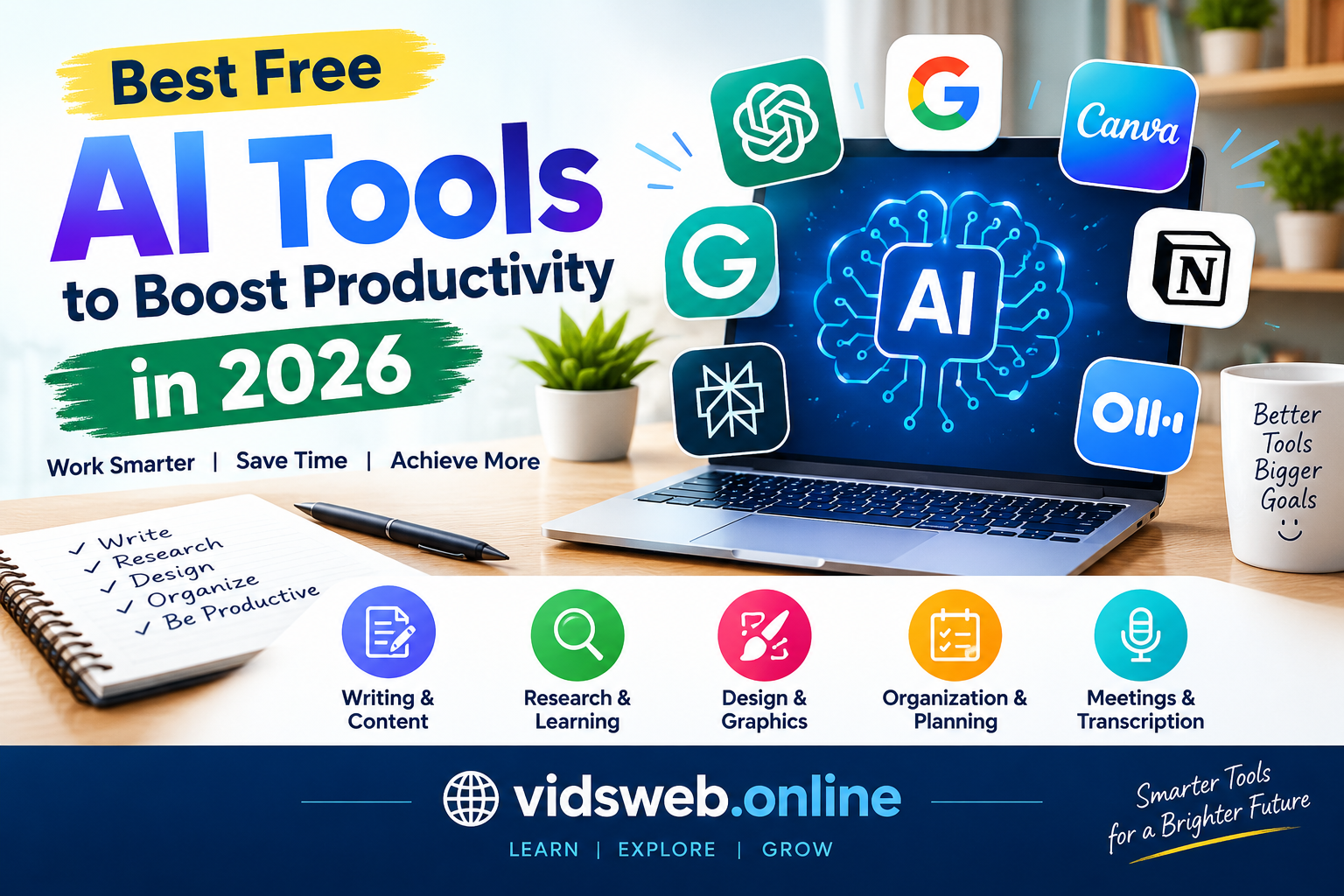
Artificial intelligence is making everyday work easier for students, bloggers, freelancers, and business owners. From writing and research to graphic design and task management, AI tools can help you complete many tasks more efficiently.
The good news is that you do not always need a paid subscription to benefit from artificial intelligence. Several popular platforms offer free access to useful features, allowing beginners to explore AI without making an immediate financial investment.
However, choosing the right tool can be confusing. Some platforms focus on writing, others specialize in research or design, and many restrict advanced features on their free plans.
In this guide, you will discover the best free AI tools for productivity in 2026, what each tool can do, its main limitations, and how to choose the right option for your needs.
Quick Overview: Which AI Tool Should You Choose?
If you want a quick recommendation, start with this comparison.
| Tool | Best For | Free Access |
|---|---|---|
| ChatGPT | Writing, brainstorming, and everyday tasks | Yes, with limits |
| Google Gemini | Learning, research, and general assistance | Yes, with limits |
| Grammarly | Grammar and writing improvement | Yes, with limits |
| Canva | Graphics and presentations | Yes, with limits |
| Notion | Notes and project organization | Basic features available |
| Perplexity | Research and finding sources | Yes, with limits |
| Otter.ai | Meeting transcription and notes | Free plan with limits |
Free features, usage limits, and availability can change. Check the official websites before choosing a tool for regular use.
1. ChatGPT: A Versatile AI Assistant
ChatGPT is a general-purpose AI assistant that can help with writing, brainstorming, explanations, planning, and many other everyday tasks. It is a useful starting point for people who want one tool for several different activities.
What can you do with ChatGPT?
- Generate ideas for articles, videos, and projects.
- Draft emails, reports, and social media captions.
- Explain complicated subjects in simpler language.
- Create study plans and practice questions.
- Organize tasks and develop project outlines.
Practical example
Suppose you want to write a blog post about free AI tools. You can ask ChatGPT to suggest an outline, identify questions readers may have, and help improve your first draft.
You should then verify factual claims, check official sources, and add your own examples before publishing.
Best for: Bloggers, students, freelancers, and everyday users.
Free-plan limitation: Usage limits and access to particular models or advanced features may apply.
Get started at ChatGPT.
2. Google Gemini: Useful for Learning and Research
Google Gemini is an AI assistant that can help users explore ideas, understand information, and work through everyday questions.
It can be especially useful when you need a simple explanation or want to develop an initial understanding of an unfamiliar subject.
Key features and uses
- Explain educational topics in accessible language.
- Brainstorm ideas for assignments and projects.
- Help prepare study notes and revision questions.
- Assist with writing and planning.
- Explore questions through follow-up prompts.
Practical example
A student studying a difficult science topic can ask Gemini for a step-by-step explanation and then request practice questions to test their understanding.
For important facts, compare its answers with textbooks or reliable educational sources.
Best for: Students, learners, and people researching general topics.
Free-plan limitation: Available models, advanced features, and usage allowances depend on the current plan and regional availability.
Try it at Google Gemini.
3. Grammarly: Improve Your English Writing
Clear writing makes emails, articles, reports, and professional messages easier to understand. Grammarly helps users identify spelling, grammar, punctuation, and clarity problems.
It can be particularly useful if English is not your first language or you regularly publish English-language content.
How Grammarly can help
- Identify common grammar and spelling errors.
- Improve sentence clarity.
- Review professional emails and reports.
- Highlight awkward or wordy sentences.
- Help polish writing before publication.
Practical example
After drafting an English article, review it with Grammarly. Consider each suggestion carefully and make sure the revised sentences preserve your intended meaning.
Grammar tools are helpful, but they cannot guarantee that an article is factually correct or useful to readers.
Best for: Bloggers, students, professionals, and English learners.
Free-plan limitation: Advanced writing assistance and certain AI features may require a paid subscription.
Visit Grammarly.
4. Canva: Create Professional-Looking Graphics
Canva is a design platform that helps users create visual content using templates and easy-to-use editing tools. It also offers AI-powered features, some of which may have plan restrictions.
You do not need advanced graphic-design skills to create a simple blog image or social media post.
What can you create with Canva?
- Blog featured images.
- YouTube thumbnails.
- Social media graphics.
- Posters and presentations.
- Simple educational visuals and infographics.
Practical example
If you publish an article about artificial intelligence, you can create a featured image showing a laptop, technology-themed graphics, and a short headline.
Use readable text, appropriate dimensions, and consistent website branding. Avoid overcrowding the image with unnecessary words.
Best for: Bloggers, content creators, students, and small businesses.
Free-plan limitation: Some templates, assets, and AI features may be restricted. Check the applicable licensing terms before using assets commercially.
Start designing at Canva.
5. Notion: Organize Your Tasks and Content
Notion provides a workspace for notes, documents, task lists, and project planning. Its organizational features can help you manage your work without keeping everything in separate applications.
For website owners, it can be particularly useful for maintaining an editorial calendar.
What can you organize with Notion?
- Daily tasks and deadlines.
- Blog post ideas and outlines.
- Research notes and reference links.
- Project plans and progress.
- Content publication schedules.
Practical example
Create a simple content calendar with columns for the article title, target keyword, planned publication date, and status.
For example, each article could move through the following stages:
Idea → Research → Writing → Editing → Published
This workflow helps you stay organized and review each article before publication.
Best for: Bloggers, freelancers, students, and teams.
Free-plan limitation: Basic organization features and AI features have different access conditions. Do not assume that every AI function is included in the free plan.
Explore Notion.
6. Perplexity: Research Topics and Discover Sources
Perplexity is an AI-powered search and answer platform that helps users investigate questions and discover relevant webpages.
It can be a useful starting point when researching a topic for an assignment, report, or blog post.
What can Perplexity help you do?
- Explore unfamiliar subjects.
- Discover relevant webpages and references.
- Compare explanations from different sources.
- Prepare initial research notes.
- Identify official websites for further investigation.
Practical example
Before writing about AI productivity tools, research each platform’s official website. Check its current features, pricing, free-plan restrictions, and intended uses.
Open the original sources to verify important details. A citation or source link does not automatically mean that an AI-generated statement is correct.
Best for: Researchers, bloggers, students, and information seekers.
Free-plan limitation: Advanced research tools and access to particular models may be restricted.
Try Perplexity.
7. Otter.ai: Turn Supported Conversations Into Notes
Otter.ai is a transcription and meeting-assistance platform that can help turn supported audio conversations into written notes.
It can save time for people who regularly attend meetings, conduct interviews, or need to review spoken discussions.
Useful applications
- Create transcripts from supported audio.
- Review meeting notes.
- Find important points in longer discussions.
- Prepare summaries from available transcripts.
- Turn discussion points into follow-up tasks.
Practical example
After a permitted client meeting, a freelancer can review the available transcript, identify the agreed tasks, and prepare a checklist for the next stage of the project.
Always obtain any required consent before recording conversations and follow applicable privacy rules.
Best for: Freelancers, professionals, interviewers, and meeting participants.
Free-plan limitation: Transcription minutes, imports, and other features may be restricted under the free plan.
Learn more at Otter.ai.
How to Choose the Best Free AI Tool for Your Needs
The best tool depends on the problem you want to solve. You do not need to sign up for every platform or learn every feature at once.
For students
Start with ChatGPT or Gemini to understand difficult concepts and prepare practice questions. Grammarly can help review English writing.
Use AI to support learning rather than simply copying answers. Check your institution’s rules regarding AI-assisted assignments.
For bloggers and website owners
A practical combination is:
- ChatGPT: Brainstorming and article outlines.
- Perplexity: Research and source discovery.
- Grammarly: Language review.
- Canva: Featured images and graphics.
Before publishing, verify claims, add useful examples, and make sure the article answers the reader’s question. Do not publish unreviewed AI output simply to increase your post count.
For freelancers
Choose tools that support your actual services. Grammarly may help with editing, Canva with design, and ChatGPT with brainstormi